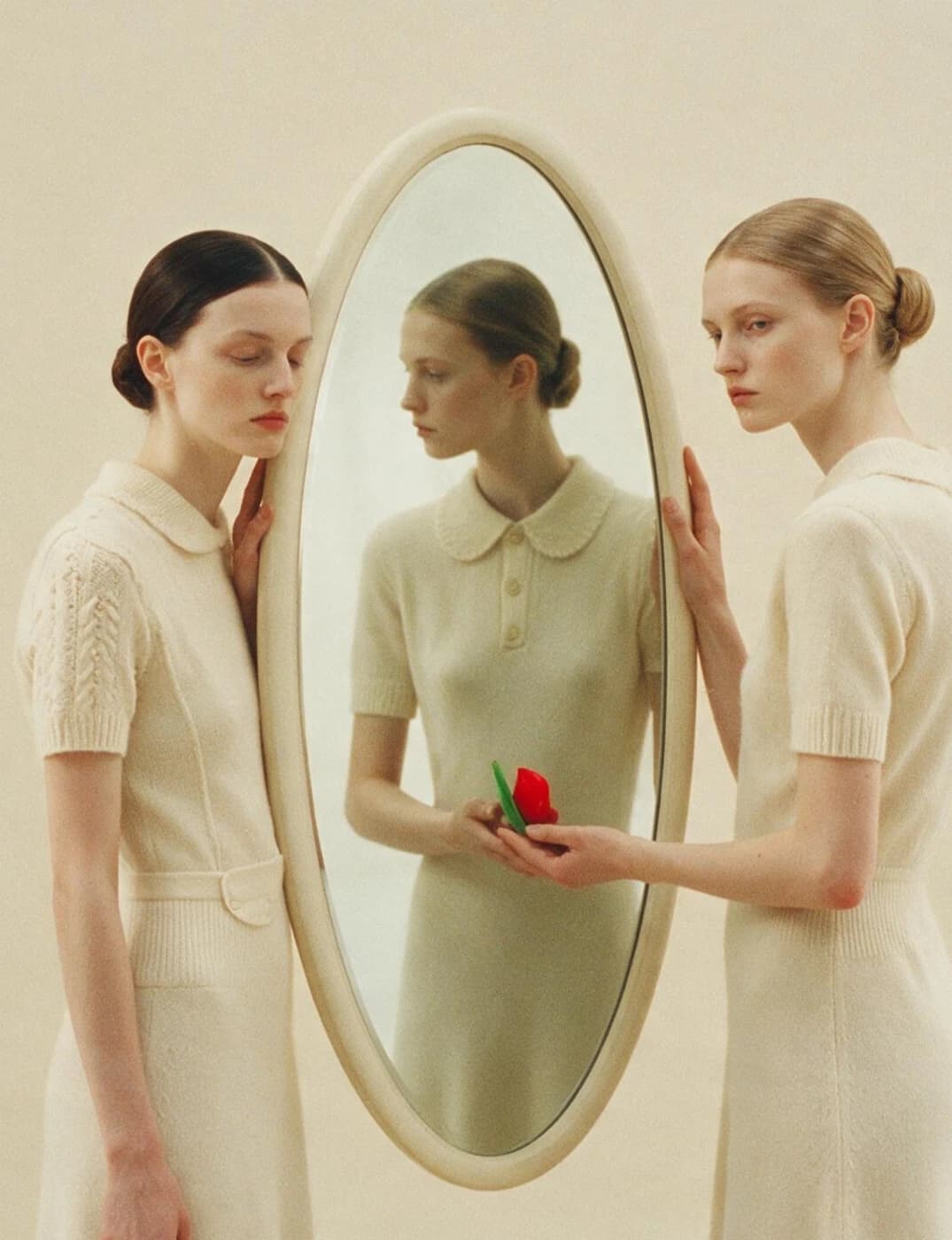
Pika for Shortform
Build short videos around a strong first frame, a clear idea, and an ending that earns its place.
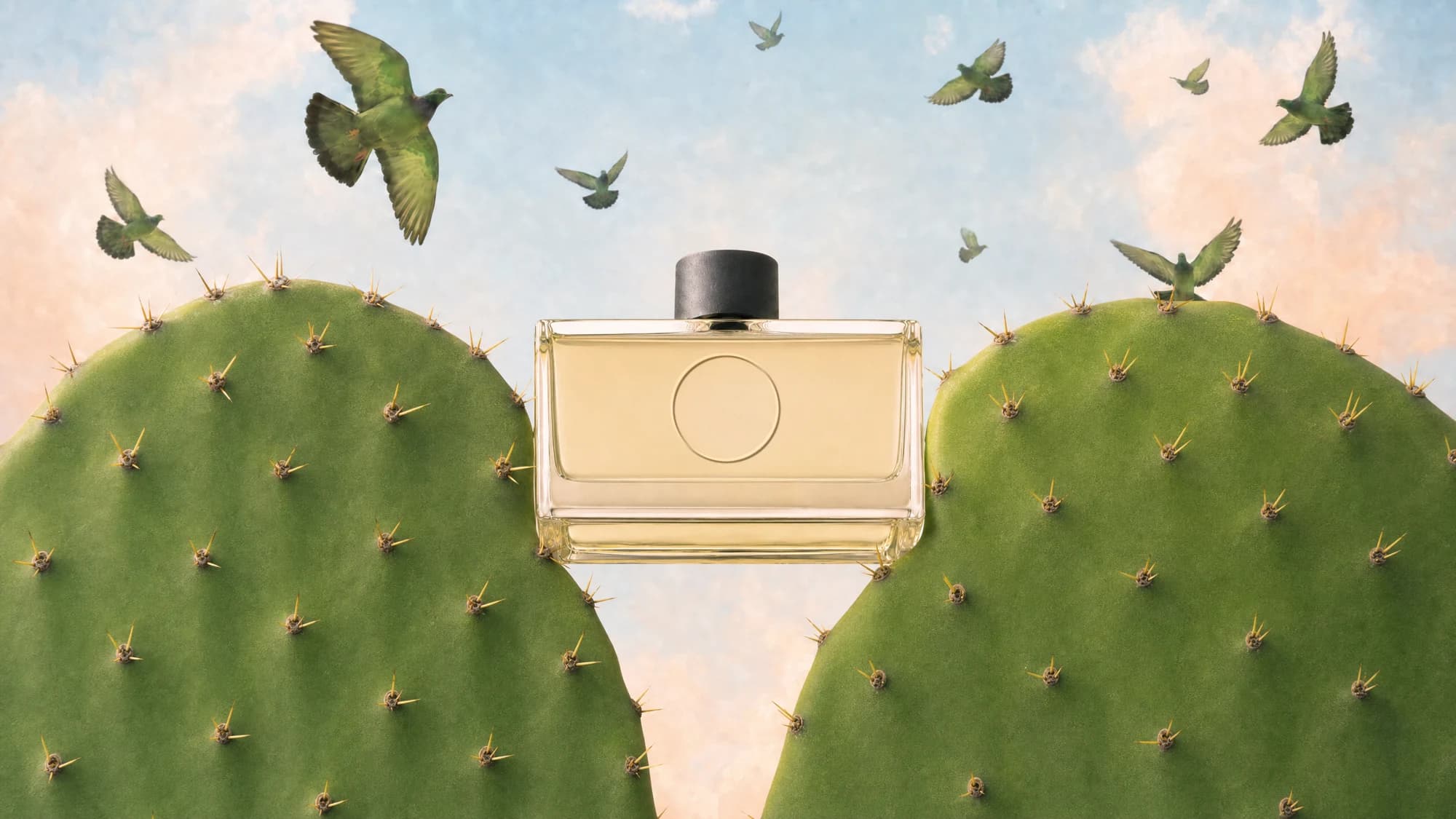
Make the first moment count. Give the rest a reason to follow.
Short videos work best when every moment has a job. Pika helps you explore the opening image, shape a focused product story, and compare different hooks. Start with one idea, make a few deliberate variations, and keep the version that gets to the point.
Start with a frame that invites a closer look
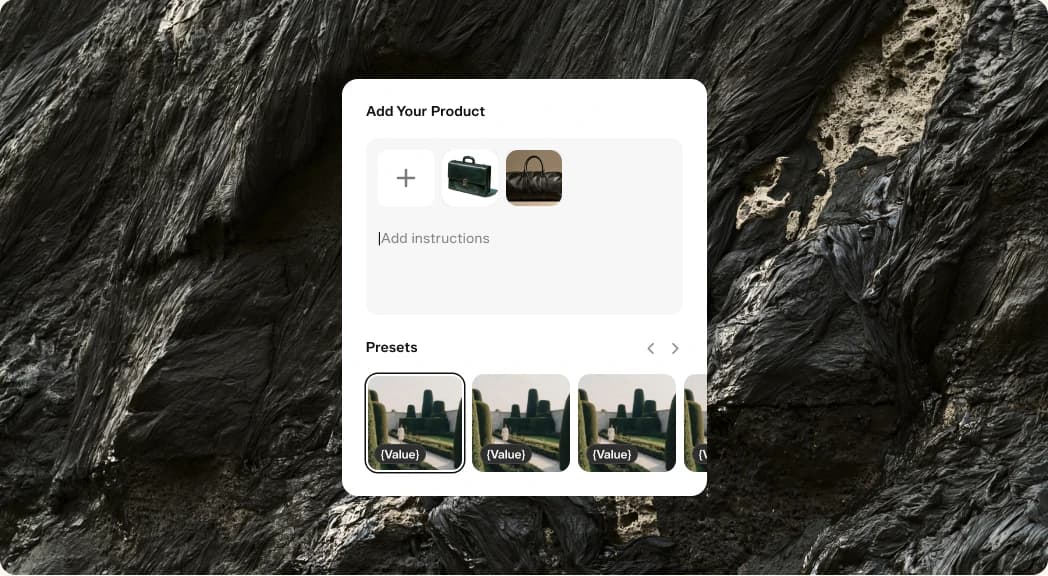
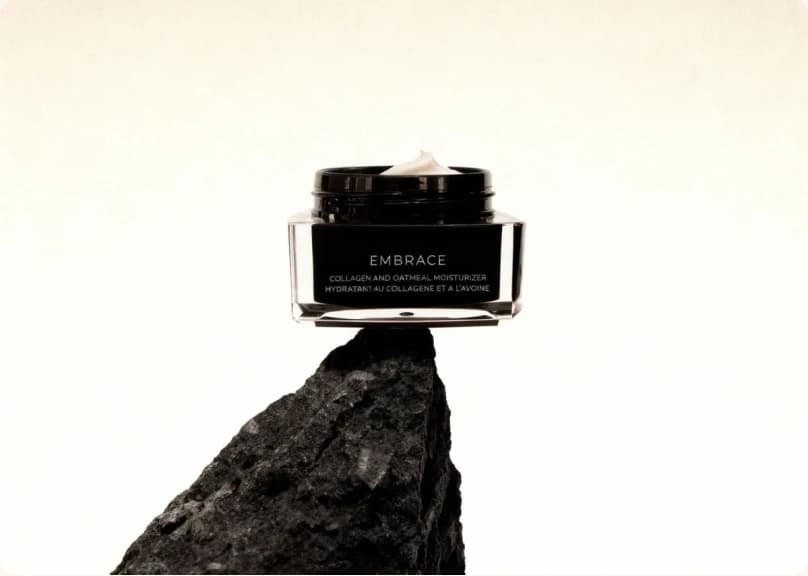
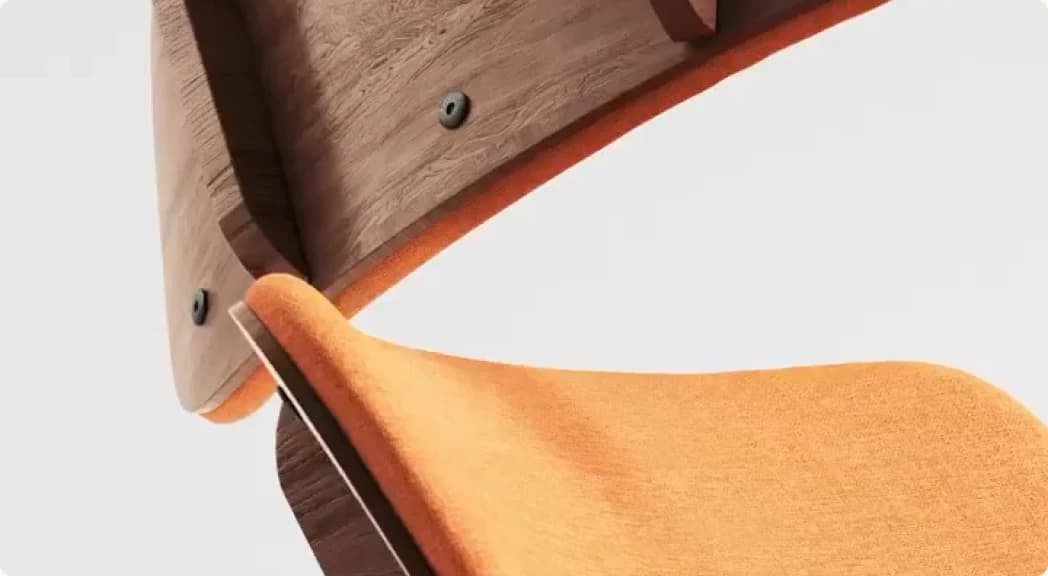
Explore product compositions for opening frames, cover images, and the visual direction of a short video.
A strong opening starts before anything moves. Use Product Shot to try a bold composition, a simple backdrop, or a detail that makes the product easy to recognize at a glance.
Choose the image that supports the story you want to tell. Keep the product clear in the crop, leave room for the text you plan to add, and check how the image reads at phone size.
One product. One focused story.
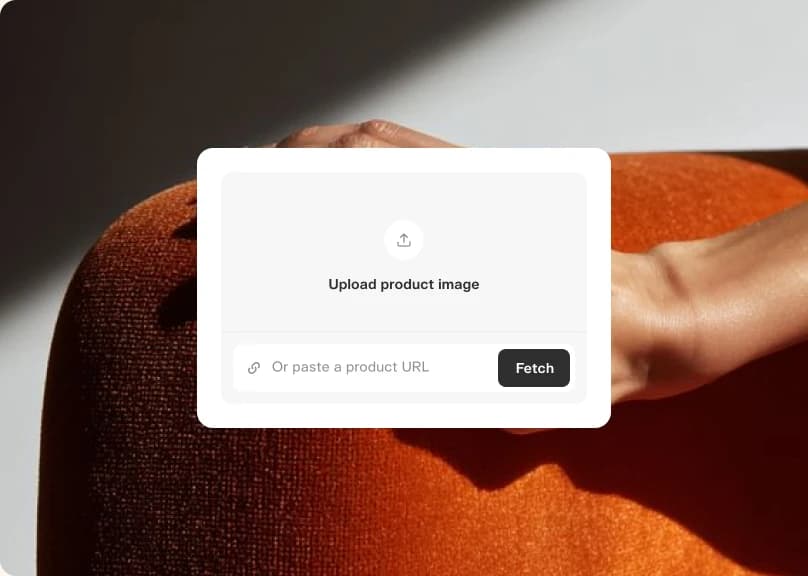
Use a compact brief to build a video around the benefit you want viewers to remember.
Shorter does not have to mean rushed. Give Product Ad a specific audience, one main message, and a clear direction for the opening. Use the available duration and format settings to suit your destination.
Review the result as a sequence. Does the first moment introduce the idea? Does the middle show something useful? Does the ending follow from the story? Revise the brief when a scene is doing too much.
Find the hook that carries the idea
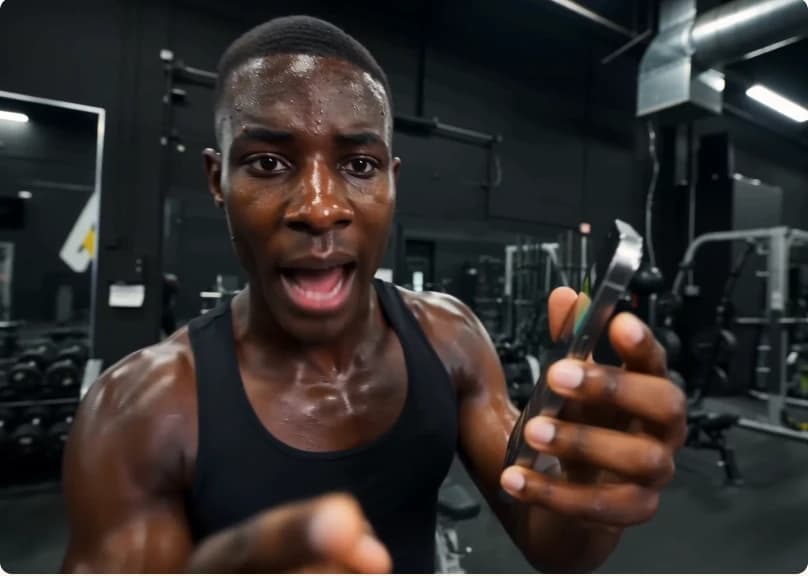
Compare a question, a product detail, or a different opening scene before choosing your final version.
Make each variation answer a useful question. A problem-first opening and a result-first opening can tell the same story in different ways. Keep the core message steady while you explore how to begin.
Bring the best version into your normal editing and publishing workflow. Review the pacing, crop, and on-screen details on a phone, then use what you learn from the release to shape the next brief.
Ready when you are
Start with a single idea. Find the first frame, shape the story, and make your next short.
- Product ShotTurn reference photos into a polished product shot
- Product AdFour steps from a product photo to a finished ad
- Podcast VideoTurn a topic or script into a two-host video episode
- Character StudioDesign a consistent character — upload or generate, then pick style, angle, and expression. Always on a clean white background.
- Music StudioGenerate original music beds and instrumentals
- See AllExplore all apps





FAQ
Choose a vertical aspect ratio where it is available in your selected app. Review the result on a phone and check the crop before publishing.
Keep it focused on the audience, the main message, and the opening idea. Add the product references and visual details the app needs to understand the direction.
Yes. Keep the product and main message consistent, then change the opening in each brief. Compare the results and choose the one that introduces the idea most clearly.
Use the audio options in your chosen app or create a track in Create Music for your editing workflow. Review how the sound supports the pacing of the finished piece.
Use Product Shot to explore cover images from the same product references and visual brief. Choose a composition that stays clear at phone size and works with the title you plan to add.