Seedance 2.5
 Pika 2.5
 Wan 3.0
 GPT Image 2.6
 Grok Imagine 1.5
 Gemini 1.1 Omni Flash
 MiniMax H3
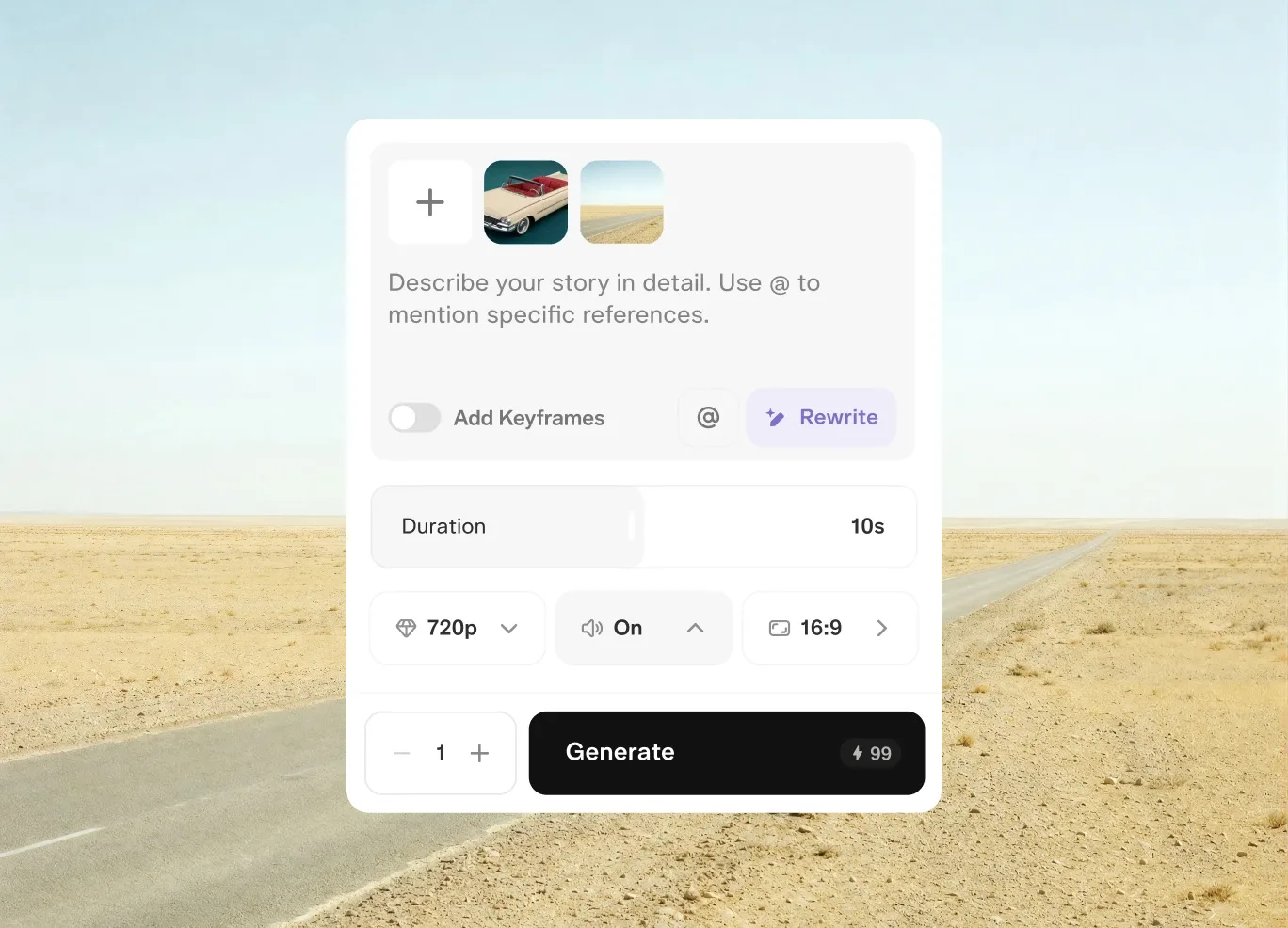

Video Studio
Generate anything from a short clip to a 30-second multi-shot masterpiece.
Try Video StudioCreate and edit videos, images, and sound — all in one creative workspace and with outputs that meet your standards

Create and edit images with a new level of detail.
Your next idea can happen anywhere. Take Pika with you.
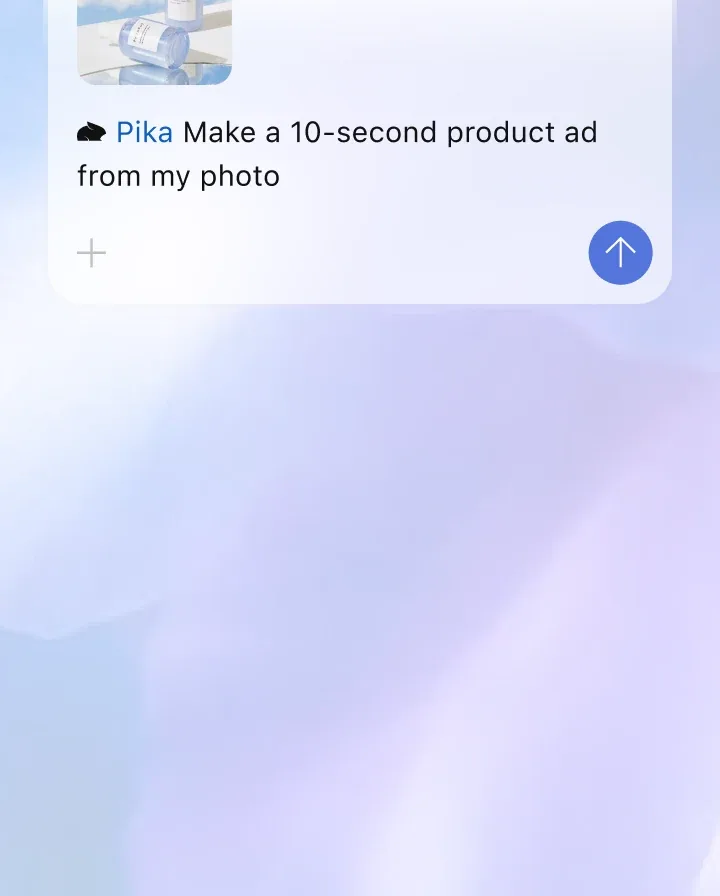
Create with Pika inside your conversations.
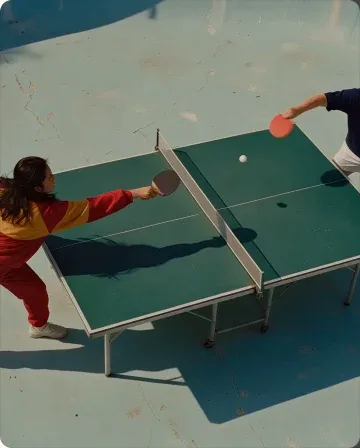
Meet the newest video model from Pika.
Build Pika into your product or creative workflow.

Create Videos With
Seedance 2.5
Create videos with multiple shots and sound
Designed to be intuitive, not overwhelming. Pika is built around self-contained tools that support everything from full final outputs, to more narrow creative tasks.
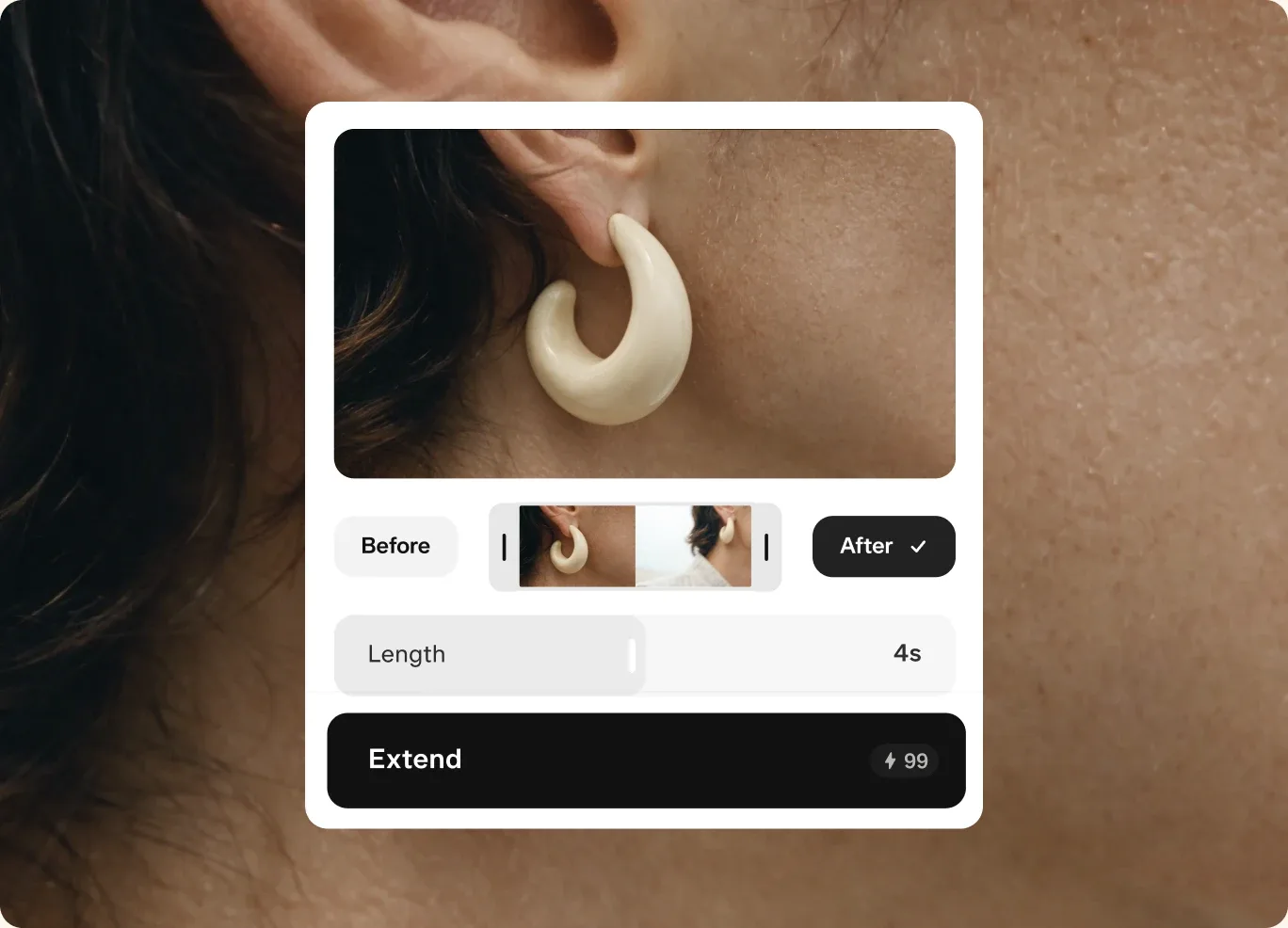
Generate anything from a short clip to a 30-second multi-shot masterpiece.
Try Video Studio
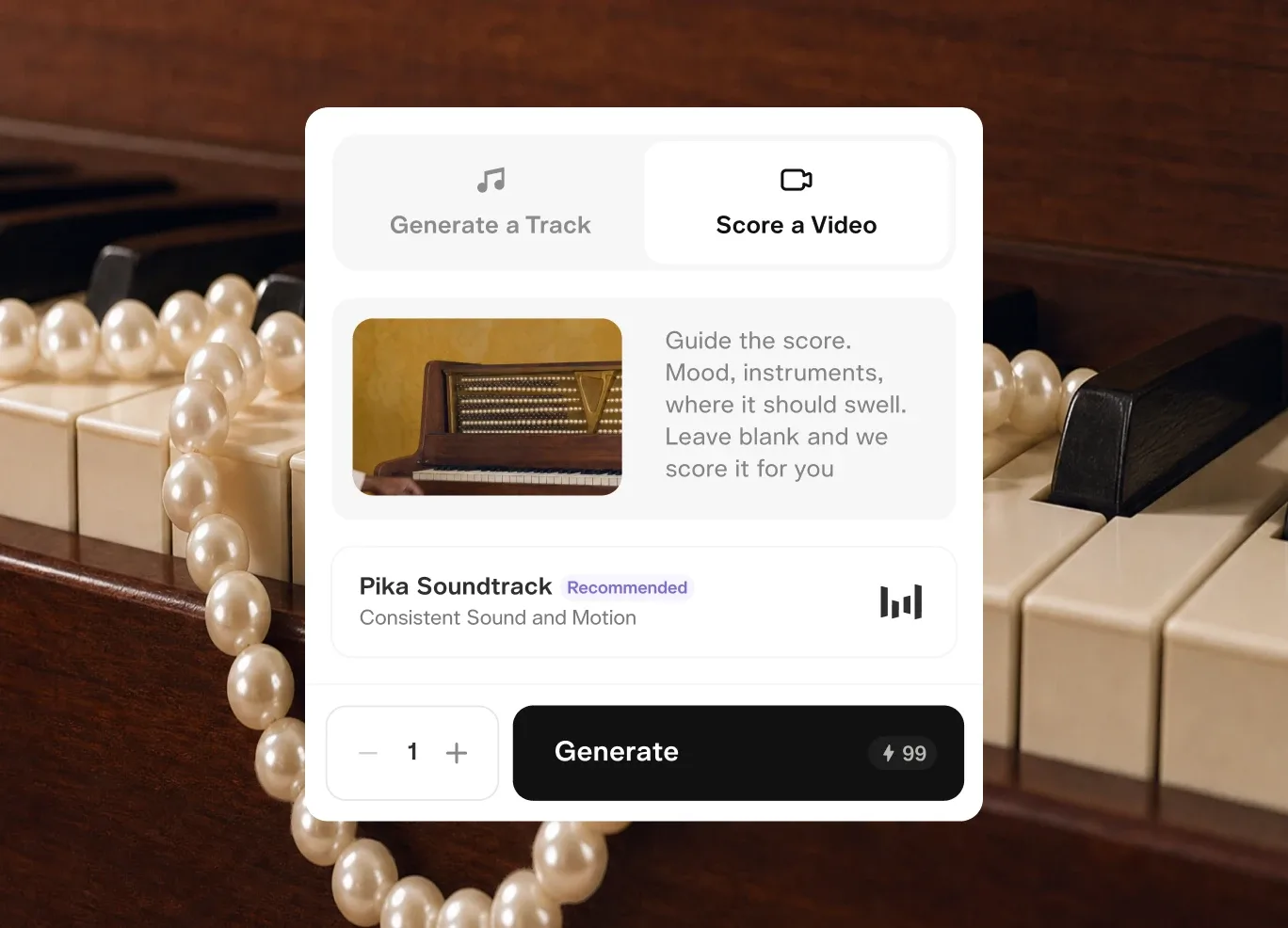
Scores any clip to picture—music, ambience and foley matched to the action.
Try Pika Soundtrack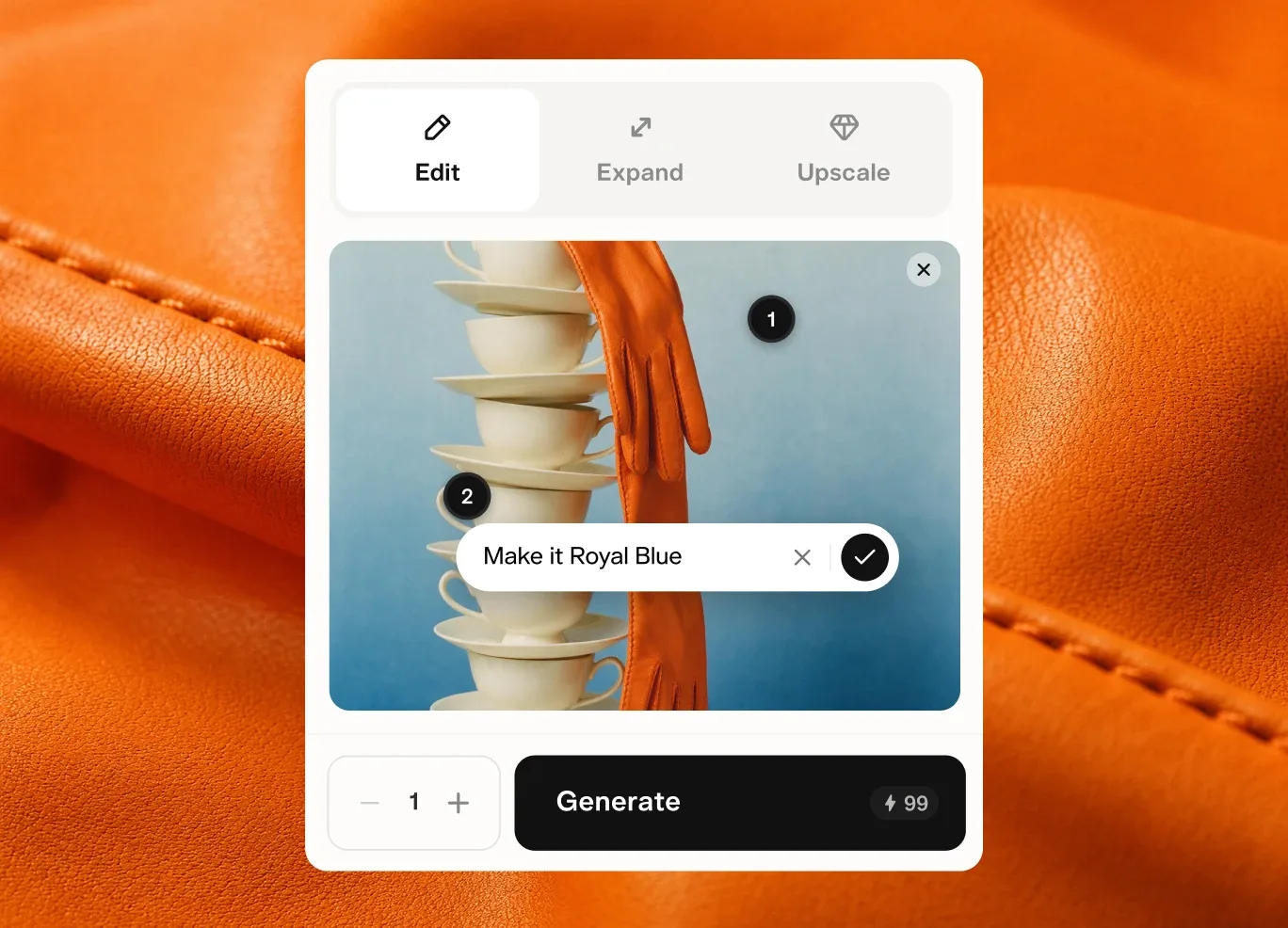
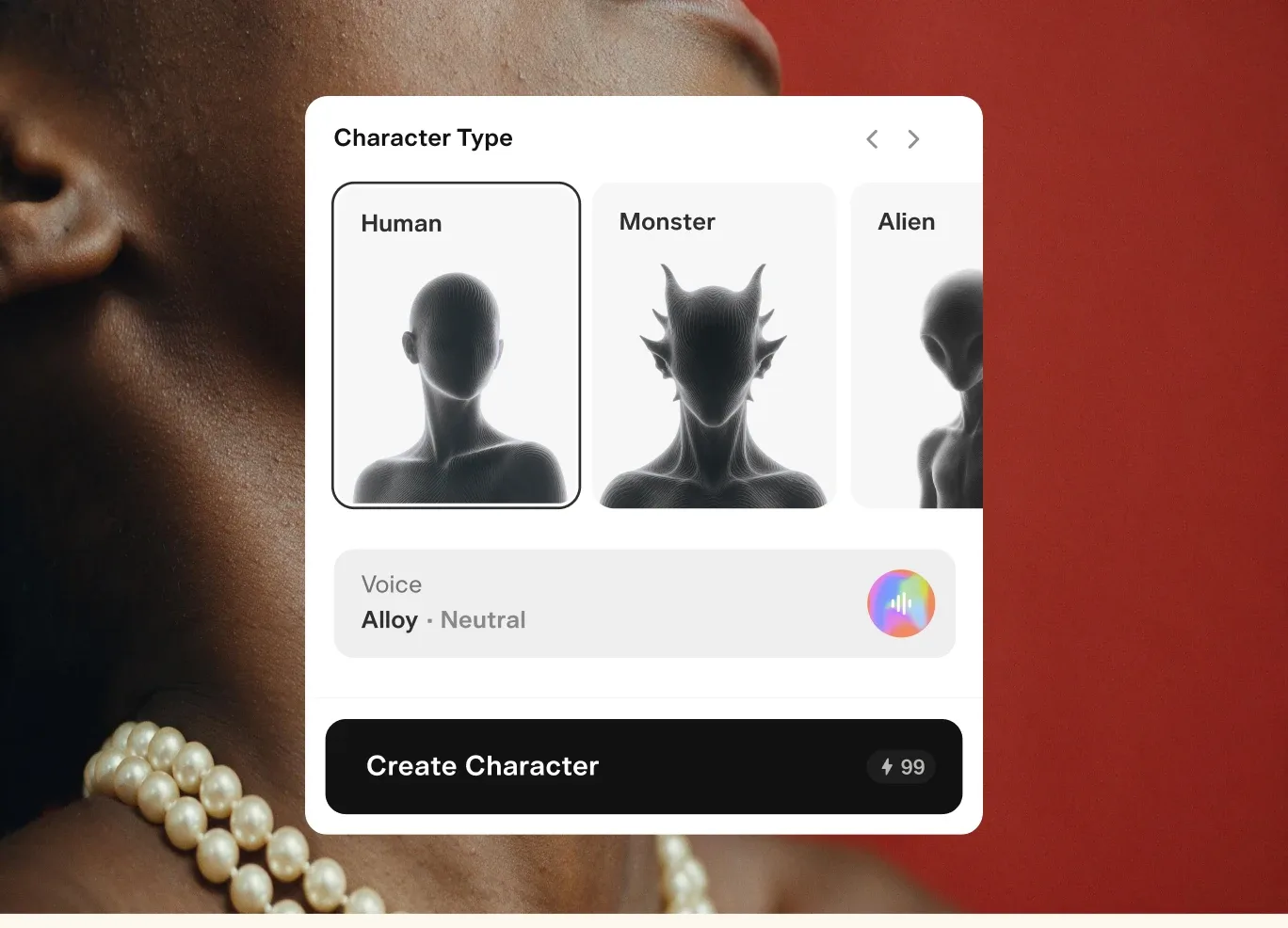
Customize a character who can be repeatedly used in your creations.
Try Character Studio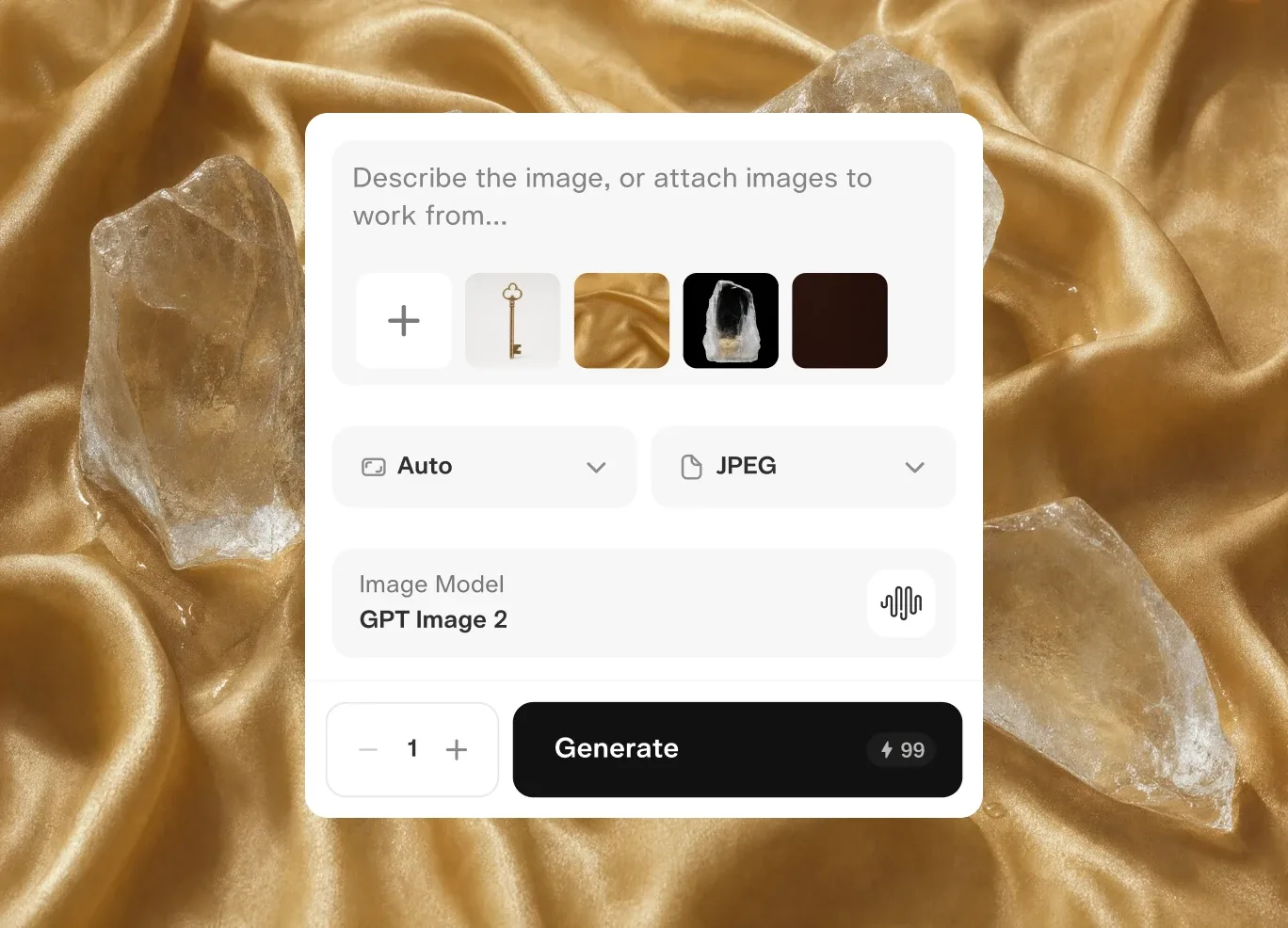
Pika serves a variety of industry professionals who share the same high standards for creative work.
Styles
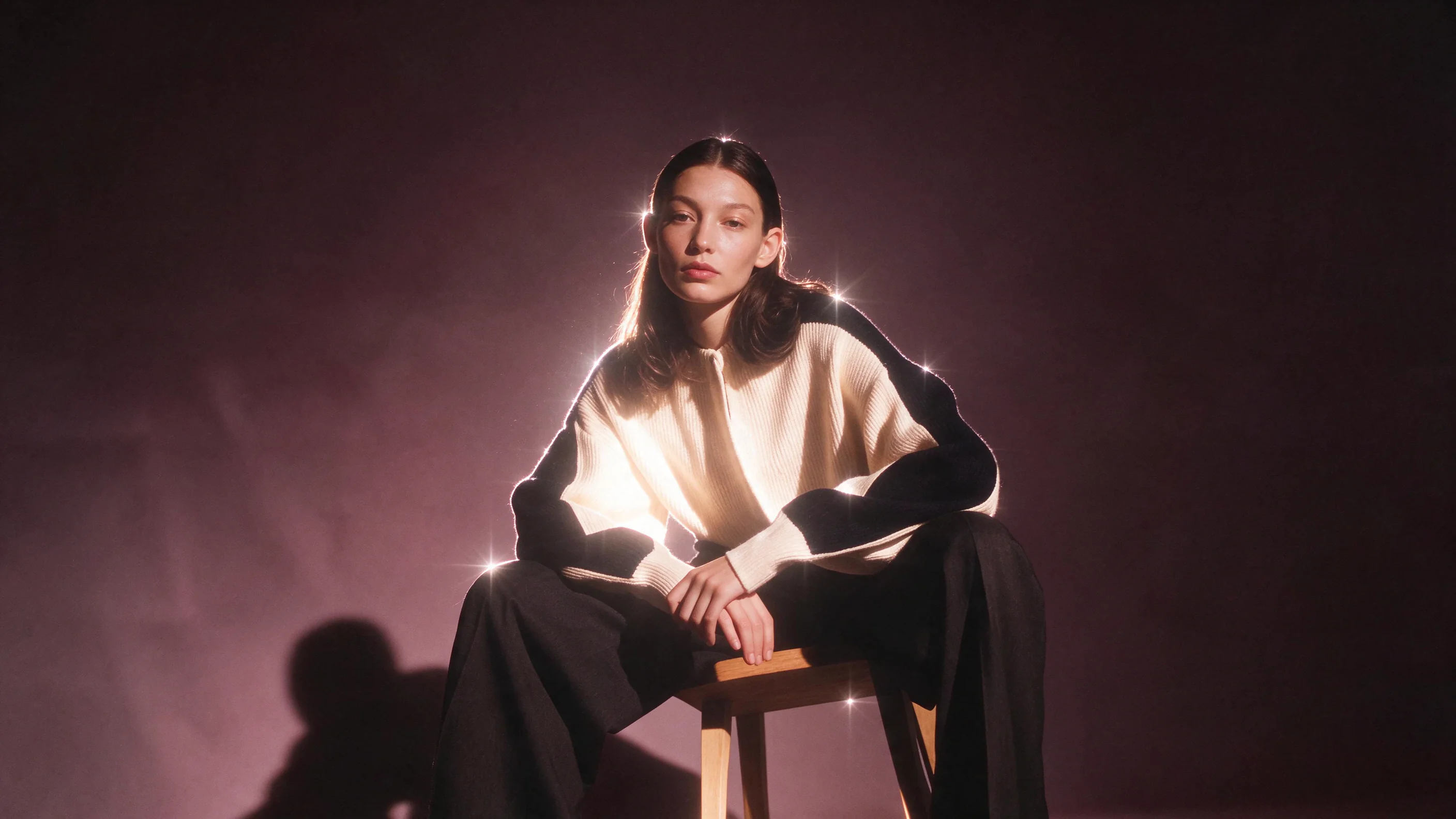
Find a visual direction and carry it across everything you create.
Glowing Up
Fashion
Relight Anything
Move the lights. Shape the atmosphere. Find a new angle on any photo or video.
Try Relight
Pika is the creative platform that lets you create and edit videos, images, and sound using AI. It’s the companion to your wildest dreams and weirdest content ideas, with creative apps for everything from product photos to talking characters. Make something from scratch, transform what you already have, or finally give that raccoon a voice.
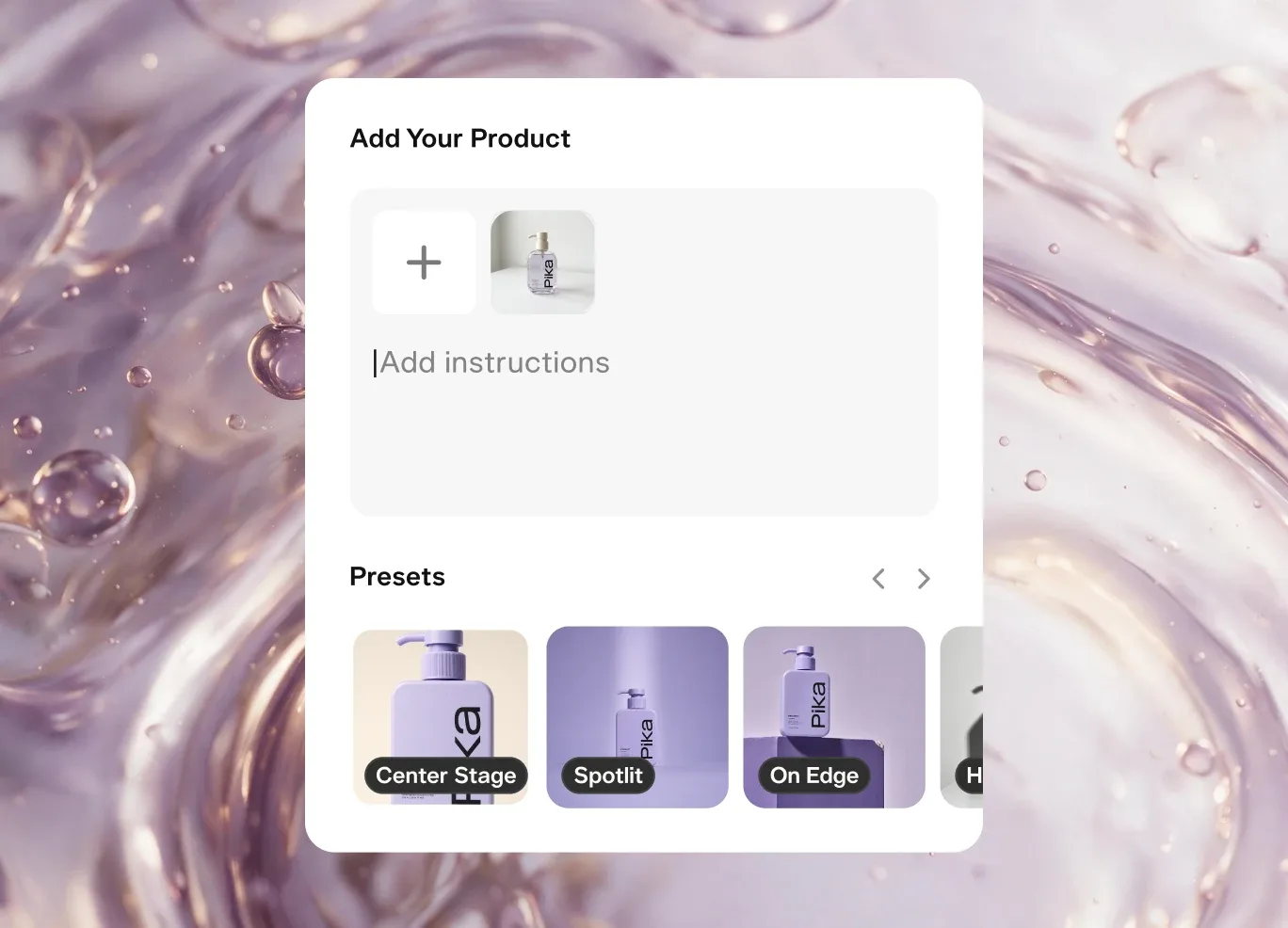
Head to Video Studio for video, Image Studio for images, or the audio apps for music, speech, and sound effects. Have a more specific need? Try Product Shot for studio-quality product photos, Swap Anything to change the subjects or background in a clip, or Pika Soundtrack to score anything to picture. These are just a few of the apps we have on offer.
Save characters and elements in your Library, then use them as references in apps that support them. Character Studio helps you create different angles and expressions for your character, resulting in a character sheet that gives most models the information they need to maintain consistency. Tip: using the same references per clip or image helps keep their look consistent, though results can vary by model and generation.
If you’re on a paid subscription plan (Starter, Creator or Fancy), then yes! The Free plan doesn’t include commercial use. If you’ve kept a plan from the previous Pika, check the terms for that plan. You’ll also need the rights to use any material you upload, and the terms of the model you choose still apply. See our Terms of Service for the details.
We do! The Pika API Club gives developers access to 100+ of the leading video, image, and audio models through one API, at previously impossible prices. Head there for documentation, access, and pricing. API billing is separate from the Pika product.
Between the Free, Starter, Creator, and Fancy plan, the differences lie in how many credits you get, how many generations you can run at once, and benefits like commercial use and priority queue access. Head to Pricing to find your fit.

Our team is forging new paths in AI to build the future of creative work. Read about our methods and findings.
Dispatches from our human brains

Pika has no timed free trial: its Free plan costs $0, adds no watermark and opens every model. What a first credit pack buys, and how other free tiers compare.
November 23, 2026

Seedance 2.5, Kling 4.0 and Veo 3.1 from $10/month on Pika. What a 5-second clip costs on Pika and Runway at the entry and $35 plans, checked November 23, 2026.
November 23, 2026
1,000 five-second Seedance 2.5 720p clips cost $1,335 a month on the Pika API, against $1,500 on Runway and about $2,365 on fal.ai at list price. Prepaid, per clip.
November 22, 2026