Pika for Influencers
Bring more ideas to your channels with product scenes, branded videos, and fresh creative directions.
Keep the ideas coming without losing your point of view
Your audience follows a perspective, not a production schedule. Pika gives creators another way to explore a visual idea, build a product story, and try a new format. Start with your own references and direction, then choose the work that feels at home on your channel.
Put the product in your visual world
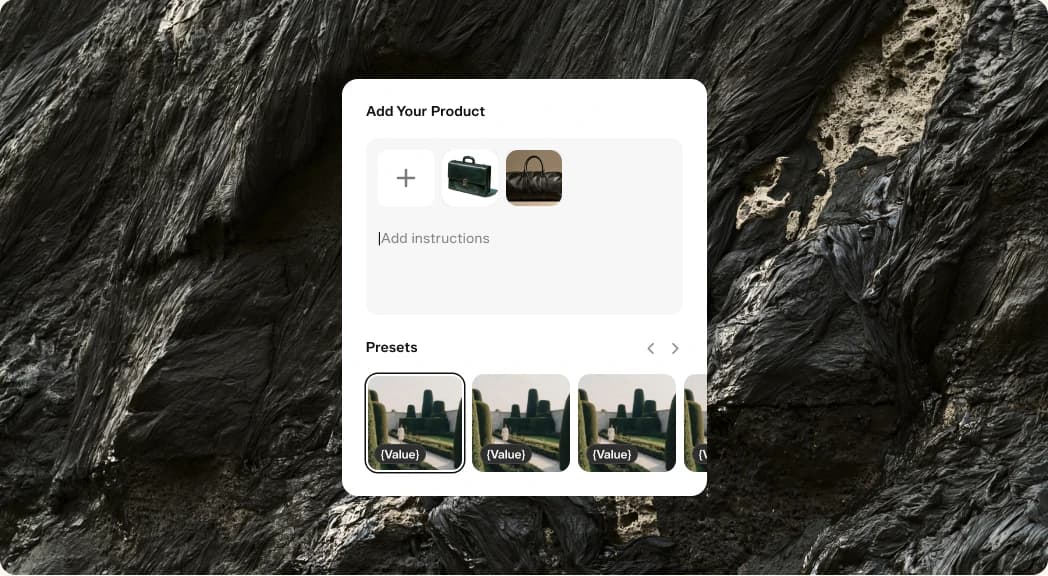
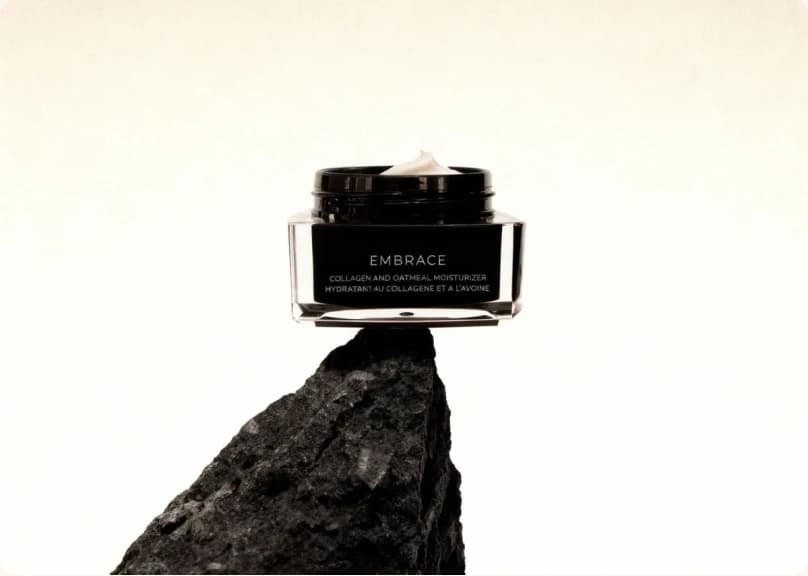
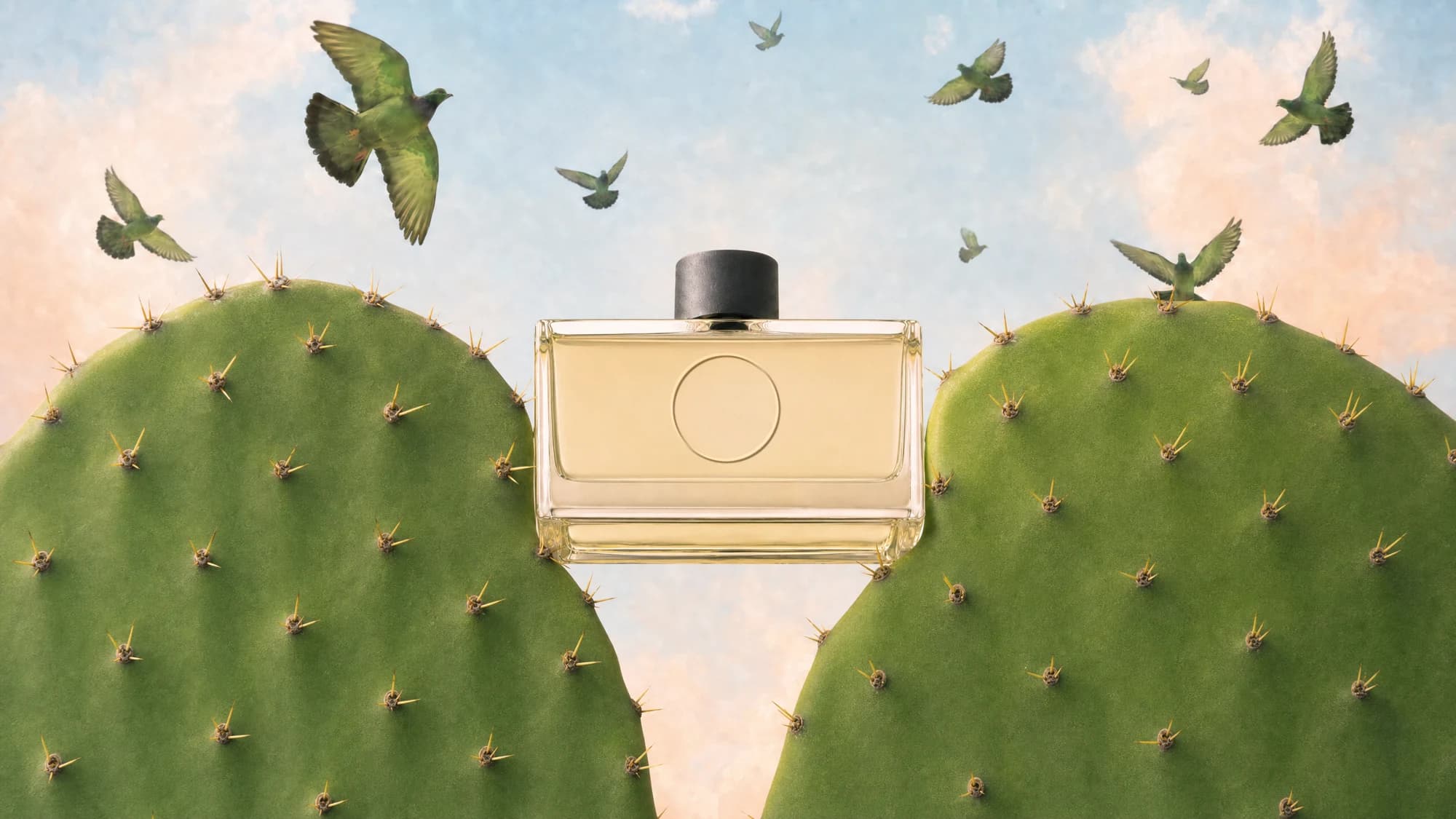
Create product scenes that fit the colors, settings, and mood your audience already recognizes.
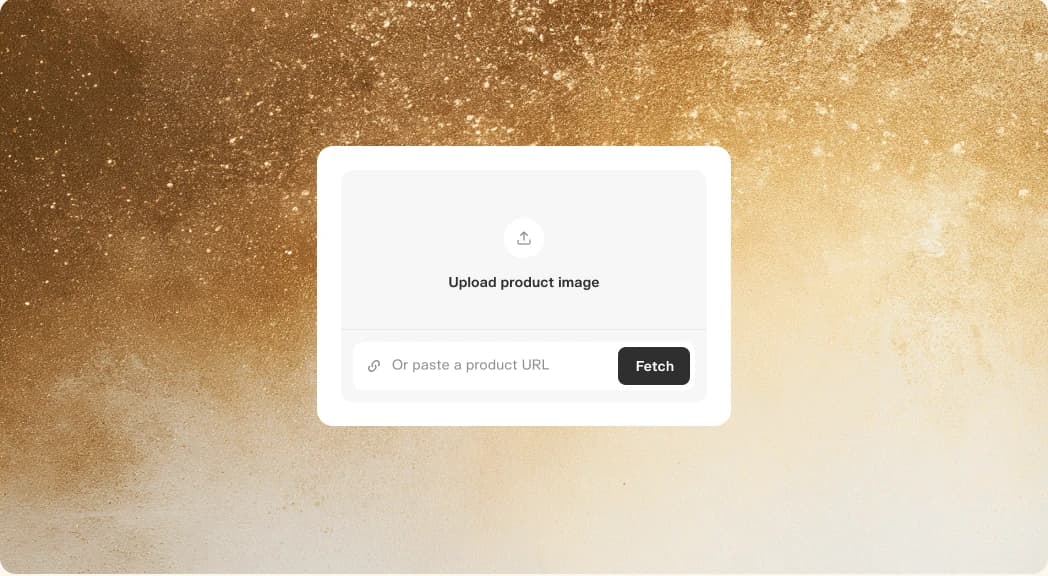
A brand brief does not have to mean a generic product shot. Bring the supplied product photos and your own visual direction into Product Shot to explore a setting that connects the product to your channel.
Try a few compositions before settling on the strongest one. Check the product details against the original references, and use your usual review process for any content made with a brand partner.
Build a brand story around your idea
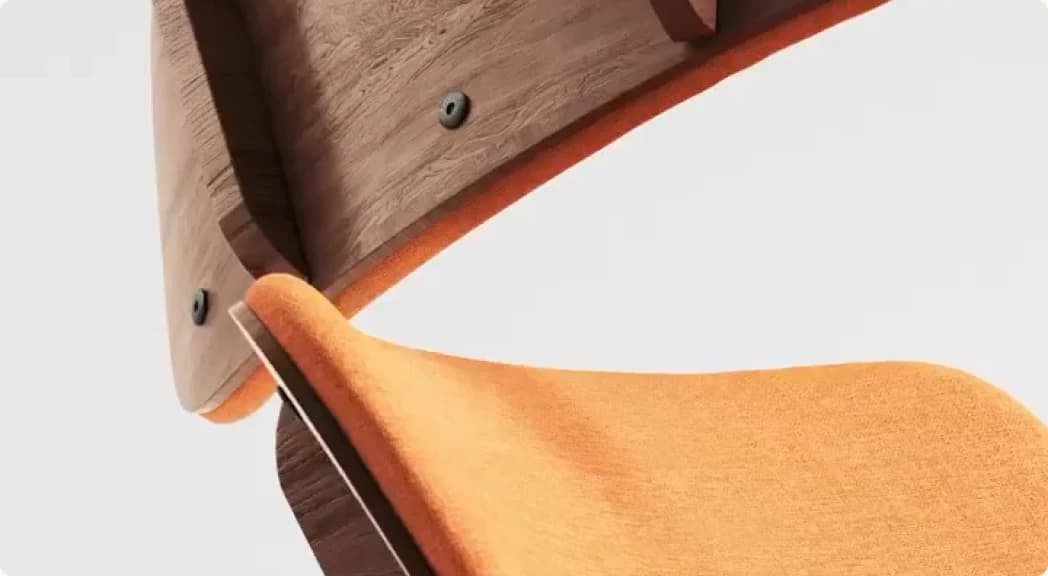
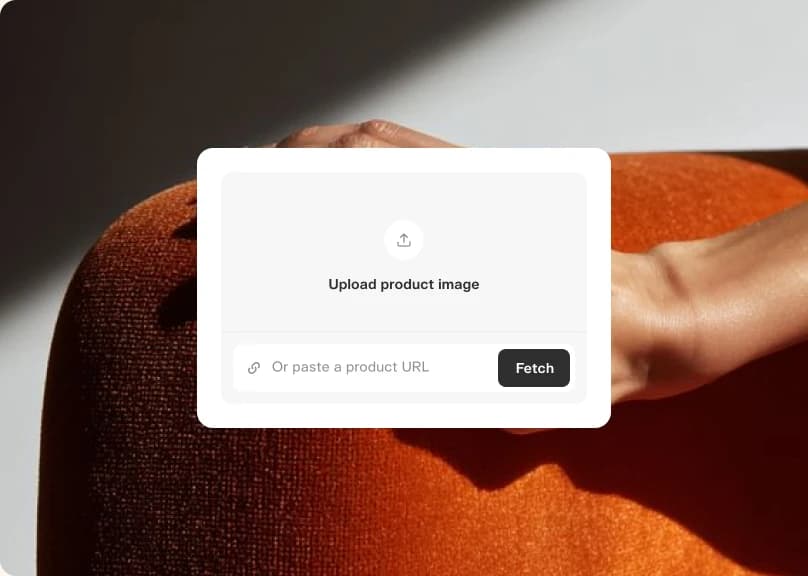
Turn a campaign concept into a product video with a clear opening, a specific benefit, and a reason to keep watching.
Start with the creative idea you want to make, then connect it to the product. Product Ad helps you explore that direction before you commit to a finished campaign piece.
Use each result as something to edit and evaluate. Tighten the message, try another scene, or change the emphasis until the piece supports your idea. Bring the final version through your normal brand review.
Find another angle for your next post
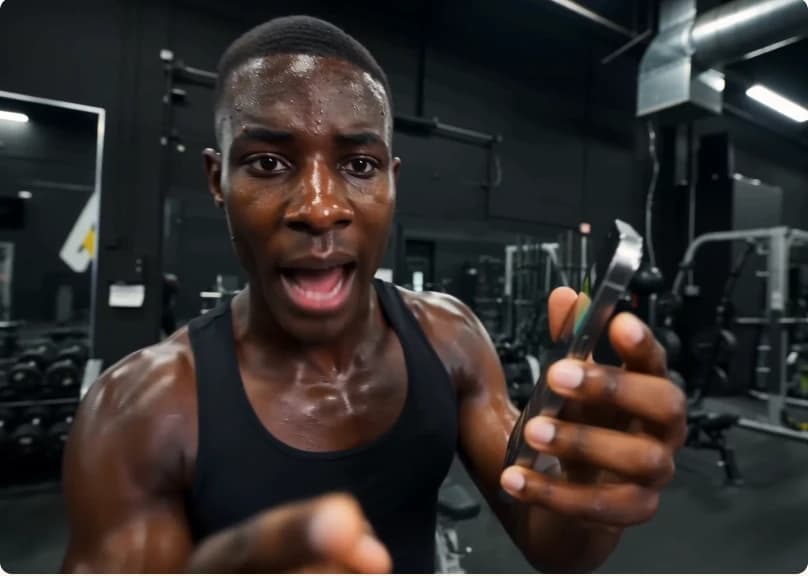
Try new openings and visual treatments without starting every concept from an empty page.
One product can support a closer look, an everyday use case, or a playful visual idea. Explore those angles as separate concepts and decide which one gives your audience the clearest reason to care.
Keep the versions that sound and look like your channel. Use generated concepts as creative material, and describe them accurately when you publish. Your judgment is what turns an output into a piece of content worth sharing.
Ready when you are
Bring your next brand brief or visual idea. Make something that belongs on your channel.
- Product ShotTurn reference photos into a polished product shot
- Product AdFour steps from a product photo to a finished ad
- Podcast VideoTurn a topic or script into a two-host video episode
- Character StudioDesign a consistent character — upload or generate, then pick style, angle, and expression. Always on a clean white background.
- Music StudioGenerate original music beds and instrumentals
- See AllExplore all apps





FAQ
Use the reference inputs available in your chosen app and describe the style you want. For product content, start with accurate photos supplied or approved for the campaign.
The brief and references help set a direction, but each result still needs your review. Try variations and choose the ones that match your tone, visual style, and standards.
Yes. Use the approved product references and campaign brief to explore options, then follow the brand’s review process before publishing.
Character Studio is a place to develop a character reference and explore its visual direction. Keep the reference and description consistent when planning a series.
Download the result and bring it into the editing workflow you already use. Add your final cut, caption, or other finishing touches before sharing.