Pika Plugin for ChatGPT
The official Pika Plugin turns ChatGPT into an immersive, visual environment, designed for visual work. Create and edit videos, images, and sound with 40+ tools and 55+ leading gen media models—and full access to your Pika creation library.
*after your first plugin generation


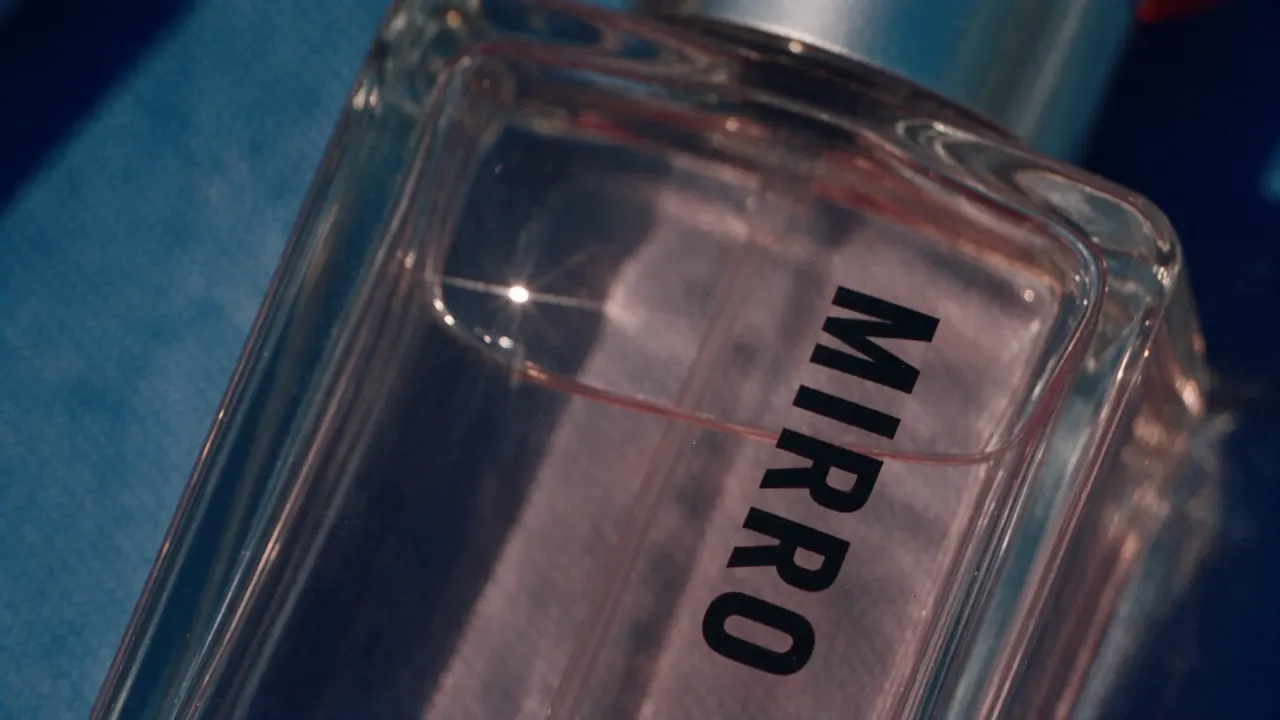
With the official Pika Plugin for ChatGPT, you have the gen media tools to support anything you're working on.
40+ Tools 55+ Models
Make anything from full creative outputs to targeted edits, across video, image and sound. Pika’s tools are tuned by creatives to ensure your outputs meet exacting standards.








Work with in-line creative UI
The Pika Plugin lets you interact with tool options, visual presets, and content generations directly in the context of your conversation.
Edit via timeline
Ask ChatGPT to bring up an editing timeline, and work together to adjust timing, re-generate clips, and add transitions, effects, and music. It has full access to your Pika library, so you can work seamlessly across surfaces.






Video, image, voice, and music from the leading labs. Name a model or let Pika pick, with no extra accounts or API keys.
- Seedance 2.5ByteDance
- Google Veo 3.1Google
- GPT Image 2.5OpenAI
- Kling 3.0Kling
- MiniMax H3MiniMax
- ElevenLabsMultilingual v2, Turbo v2.5


- Nano Banana 2.1
- Wan 3.0
- Pika 2.5
- + 29 more
The Pika plugin gives ChatGPT creative superpowers, allowing you to utilize the best of Pika’s tools directly in your chat.
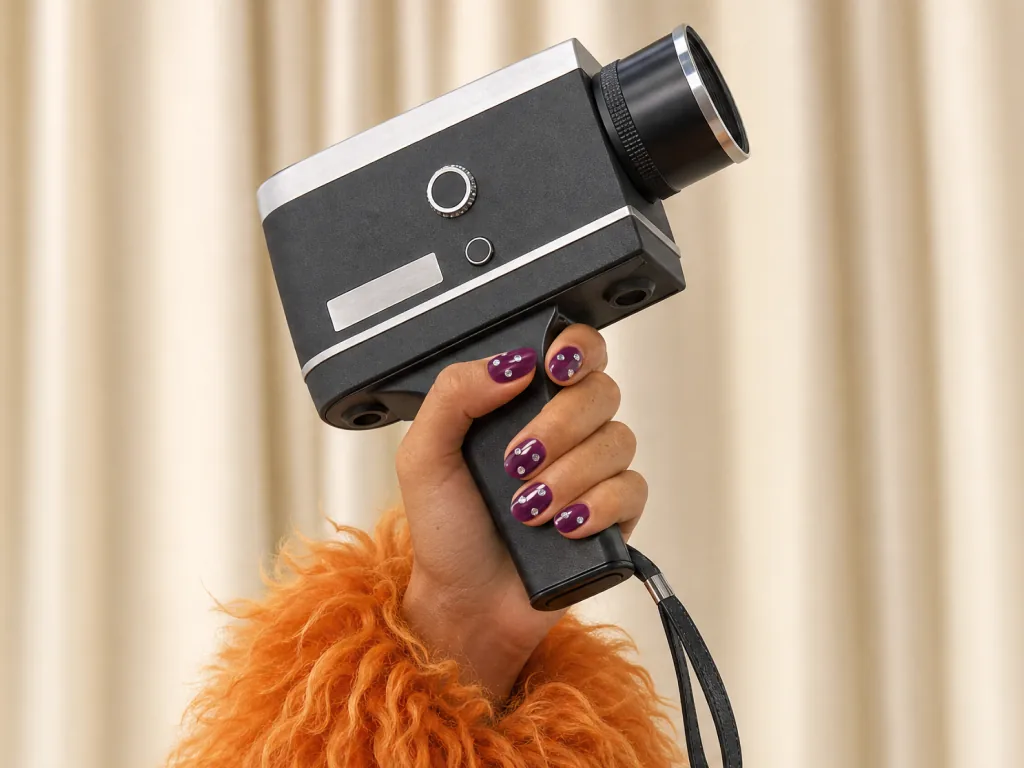 Try in ChatGPTVideo StudioGenerate anything from a short clip to a 30-second multi-shot masterpiece.
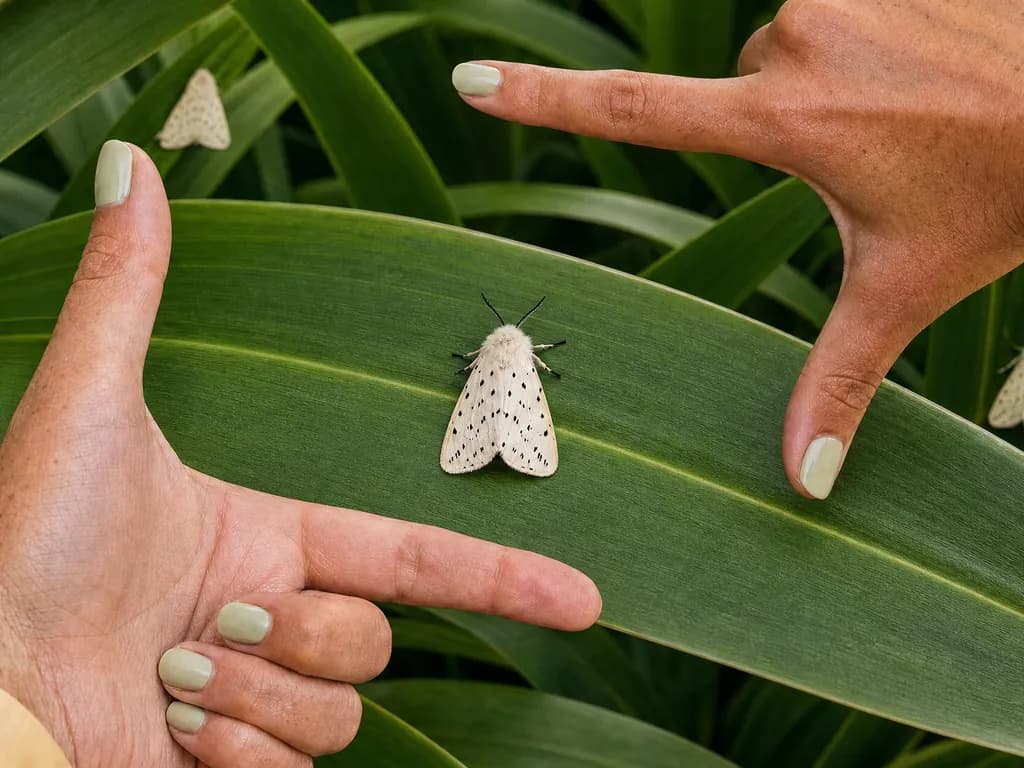 Try in ChatGPTImage StudioGenerate professional level imagery with maximum creative control.
 Try in ChatGPTMusic StudioGenerate an original music track with any lyrics, voice, or style.
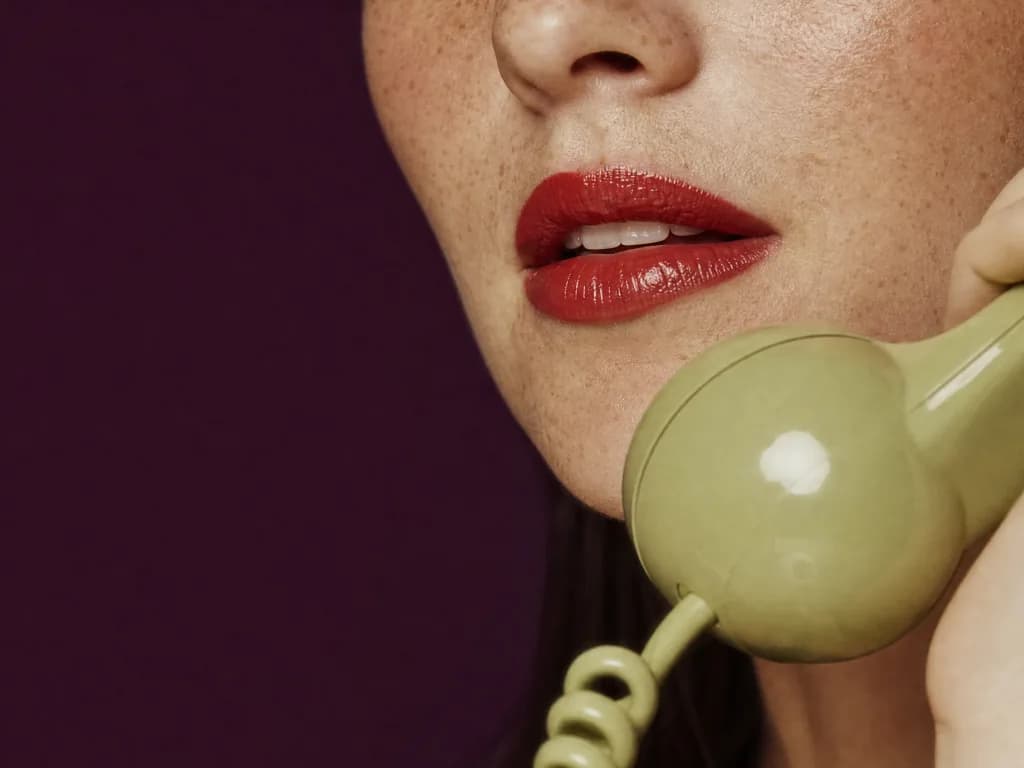 Try in ChatGPTSpeech StudioCreate studio-level voiceover and narrative audio from text.
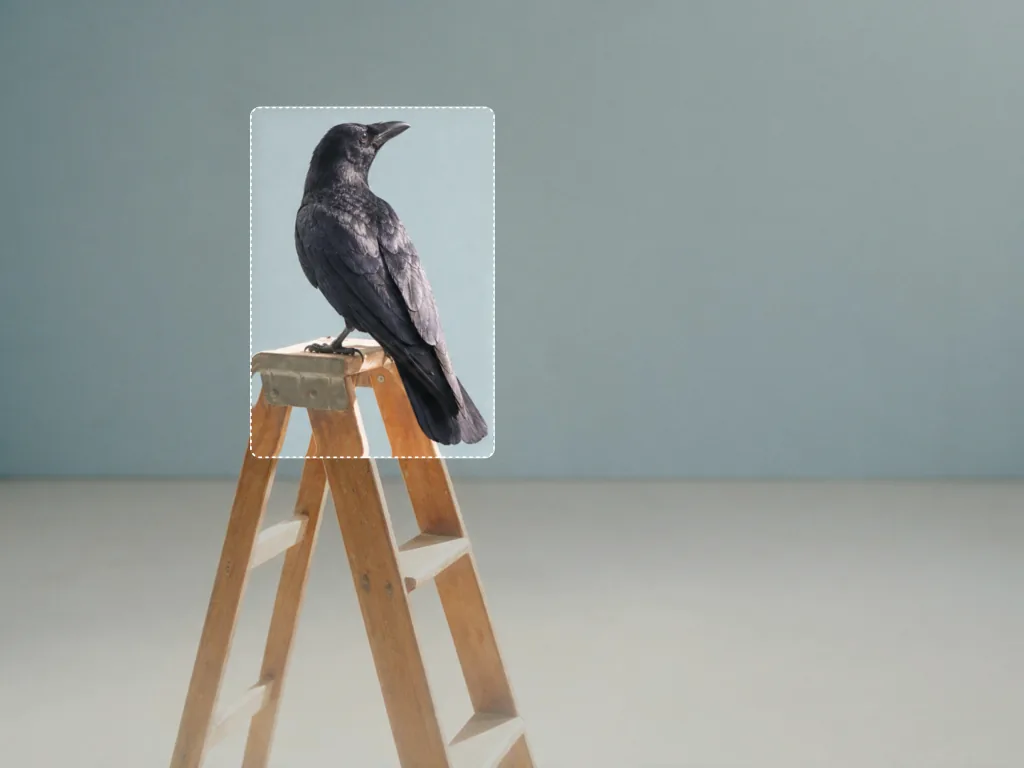 Try in ChatGPTEdit ImageSwap, remove, or restyle anything in an image
 Try in ChatGPTCharacter StudioCustomize a character who can be repeatedly used in your creations.
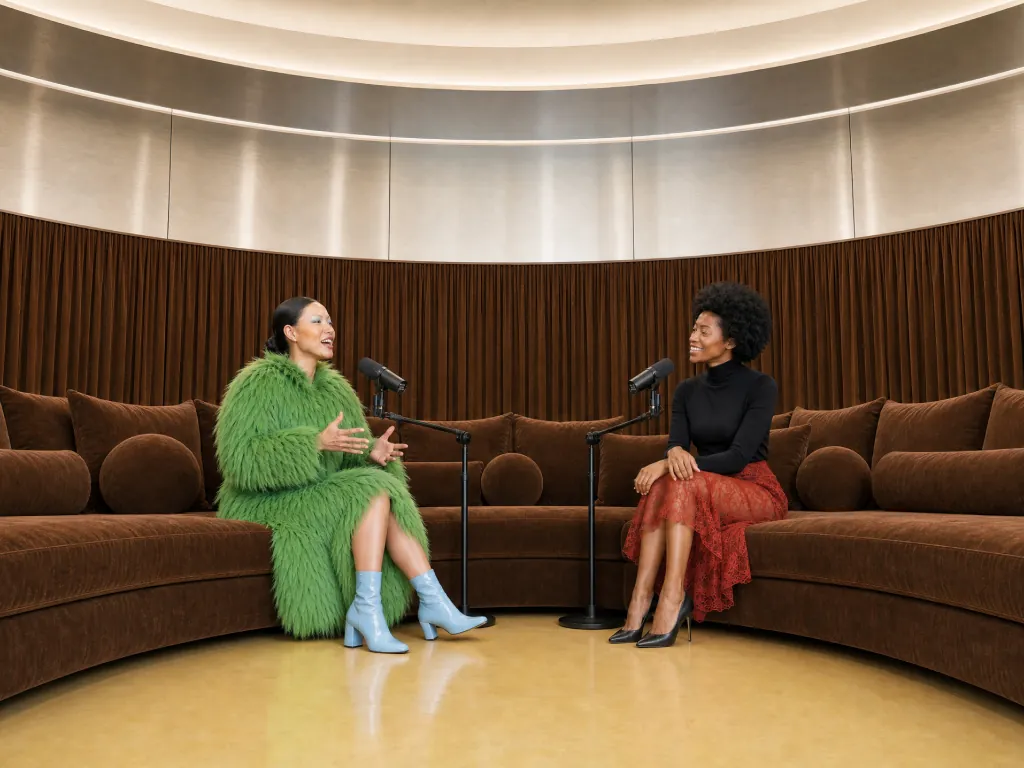 Try in ChatGPTPodcast VideoTurn a topic or script into a two-host video episode
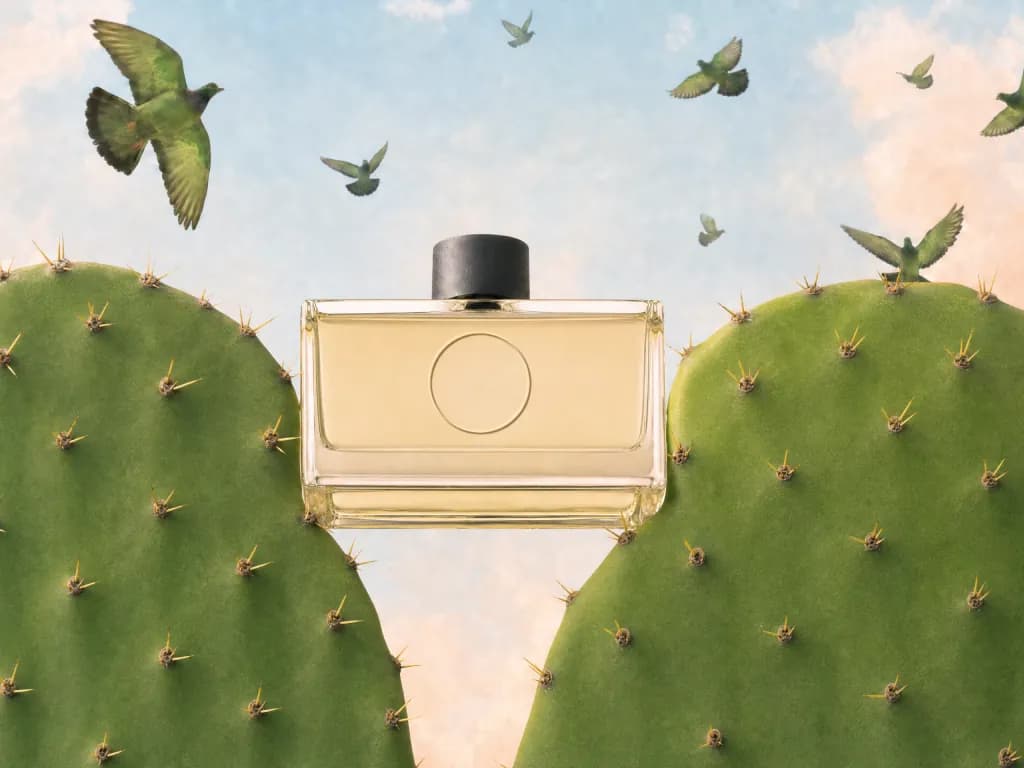 Try in ChatGPTProduct AdCreate a complete ad for your product from an image and a brief
 Try in ChatGPTProduct ShotCreate styled images of your product without a photoshoot.
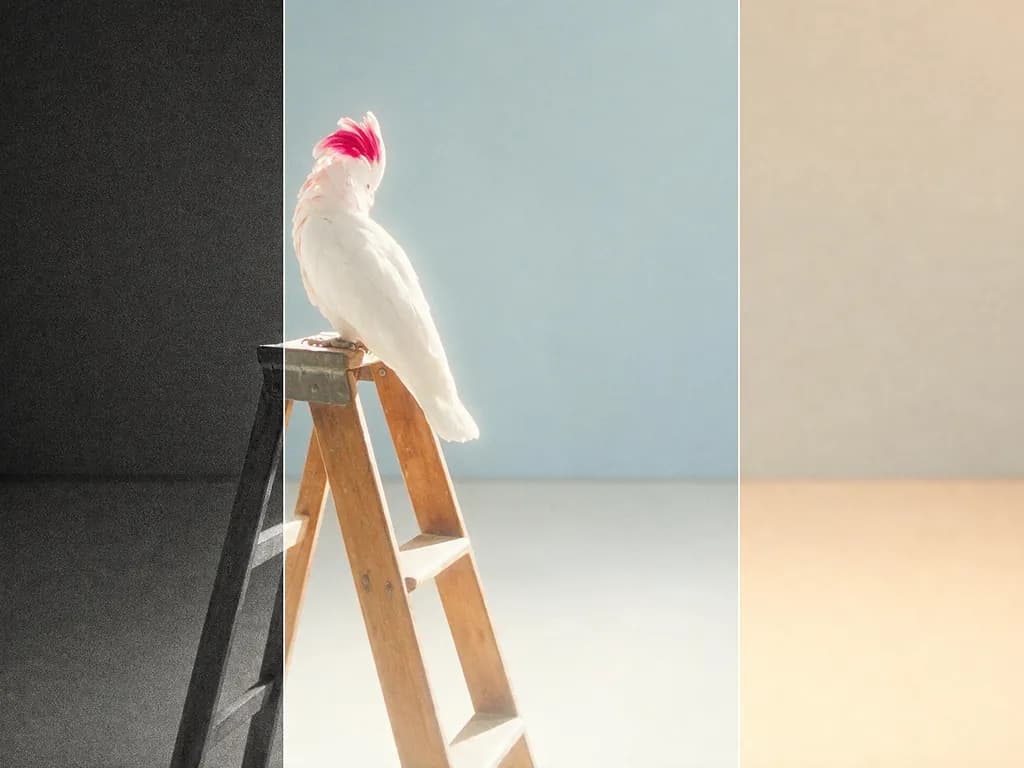 Try in ChatGPTColor GradeAdjust the color, contrast, and mood of any photo or clip.
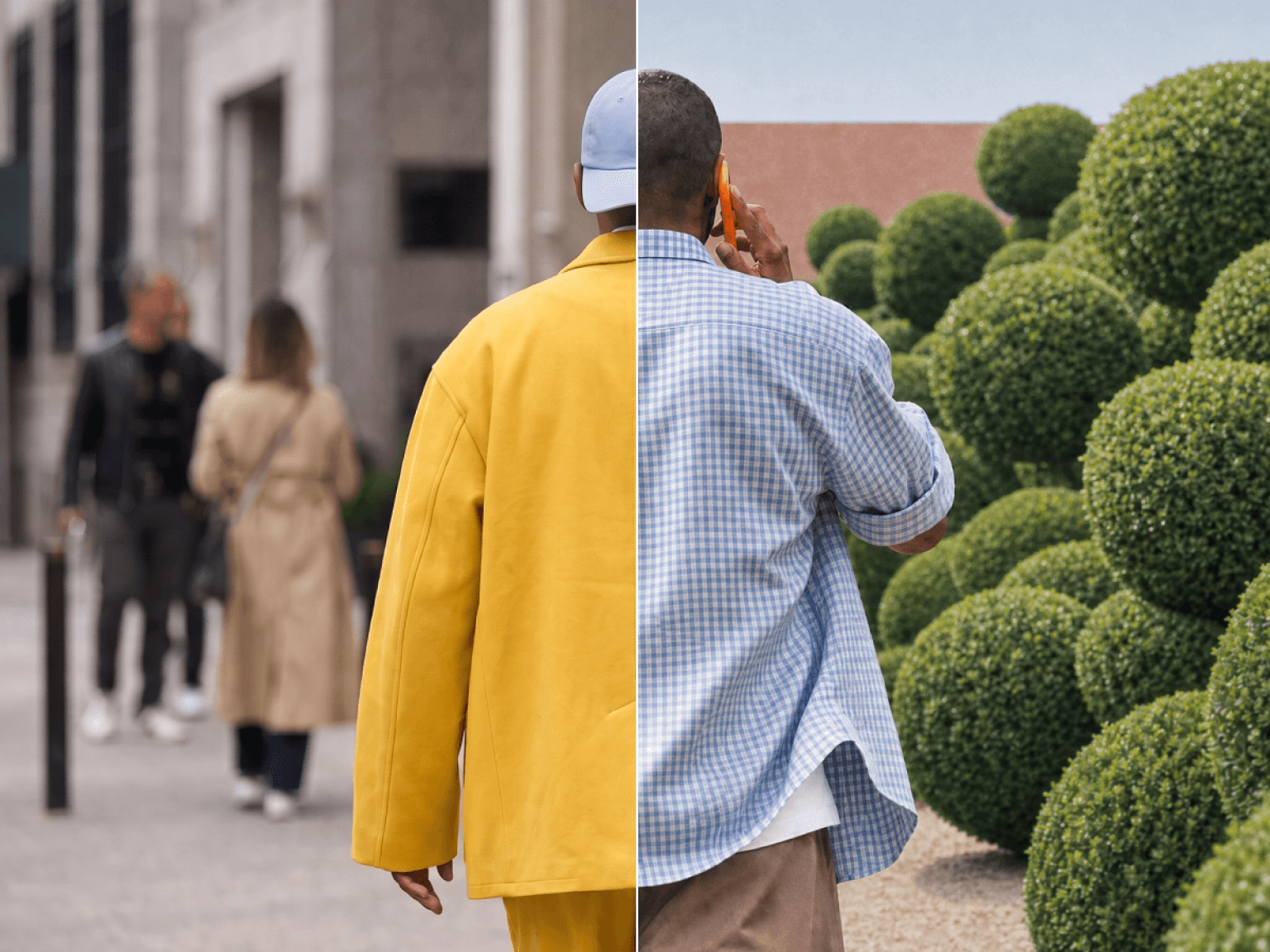 Try in ChatGPTSwap AnythingRecast anything in your clip — the performance stays as filmed.
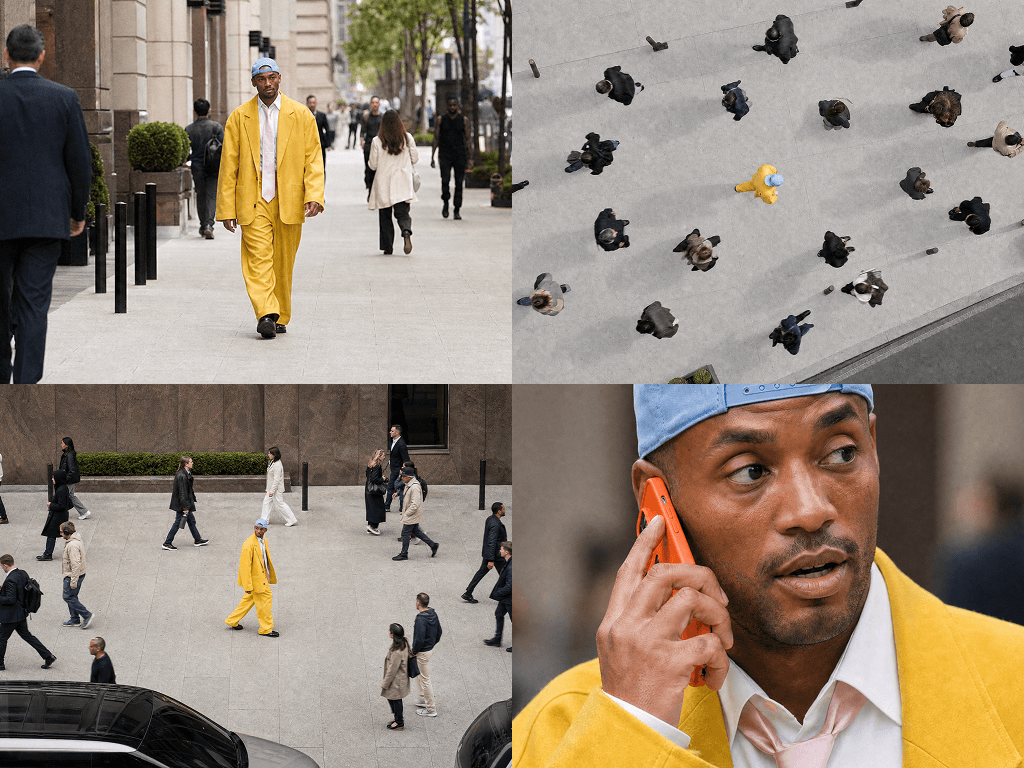 Try in ChatGPTCamera DirectorReshoot your clip from any angle, with any camera move.
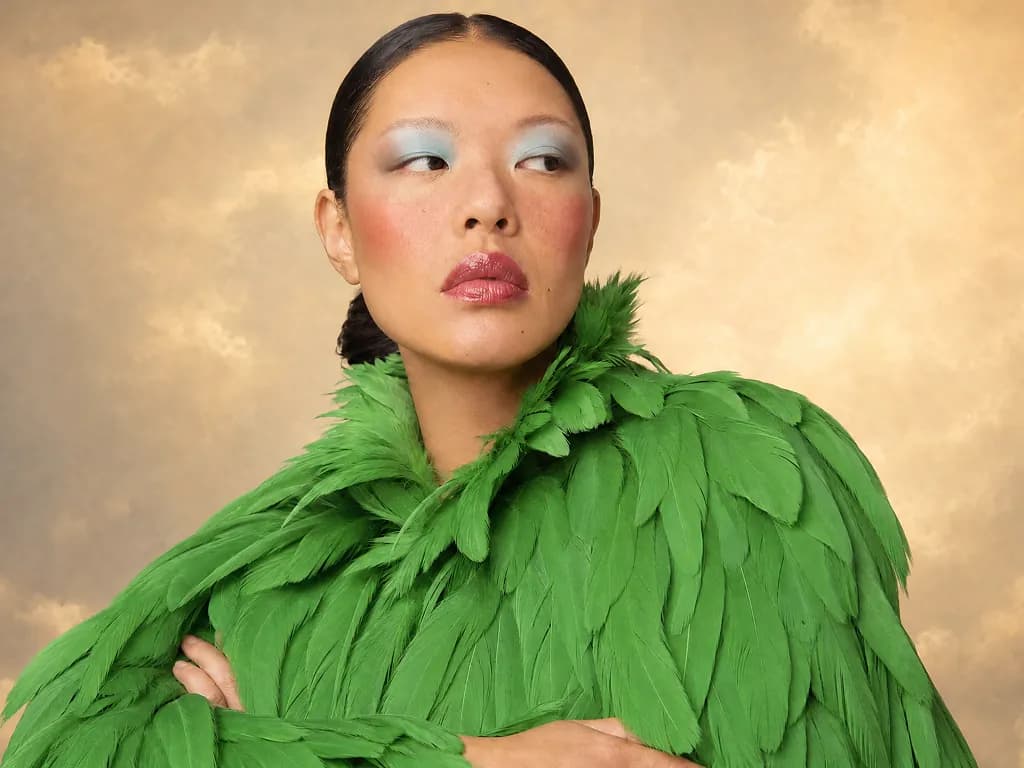 Try in ChatGPTHeadshotsTurn your photo into a polished headshot
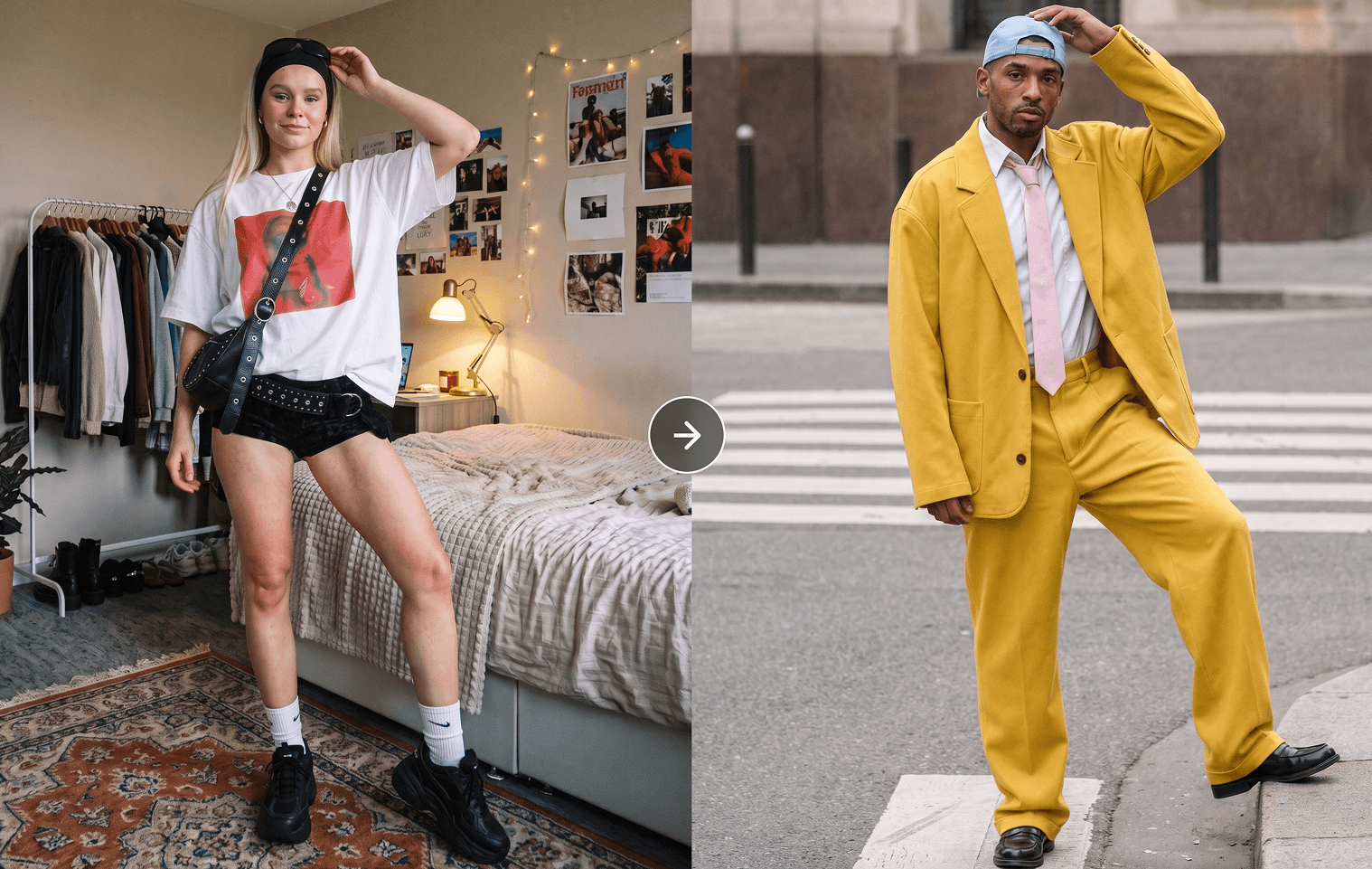 Try in ChatGPTMotion TransferGive any character moves from any reference video.
 Try in ChatGPTPikaffectsOne-tap viral effects — photo in, video out
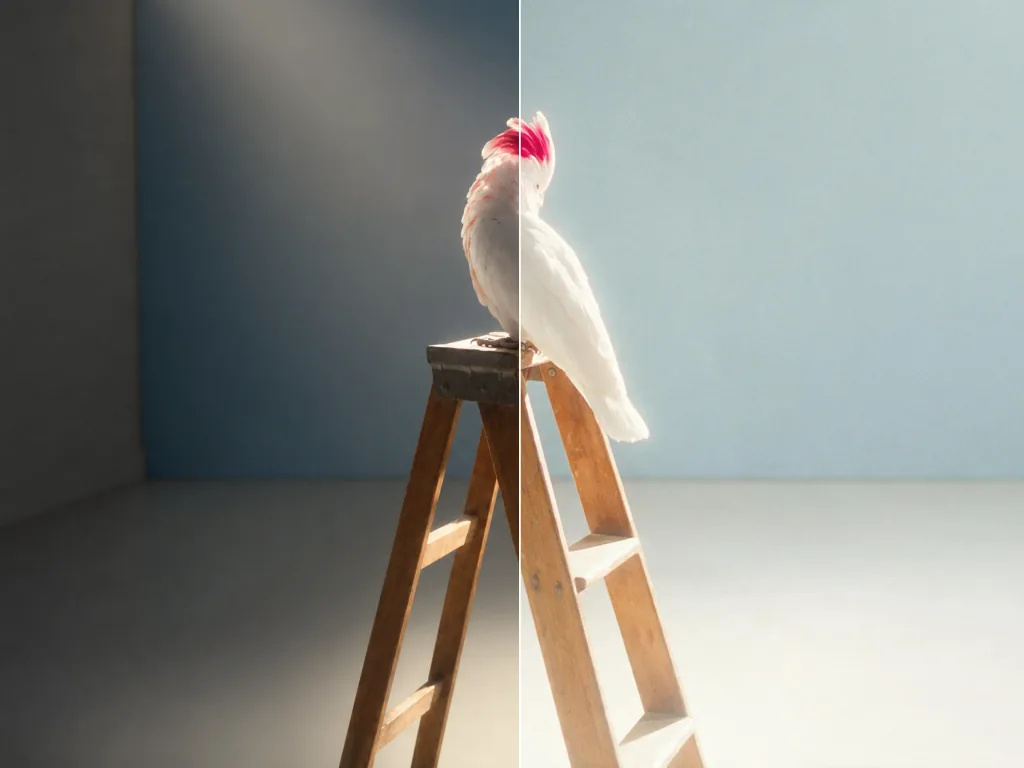 Try in ChatGPTRelight MediaRelight any photo or video
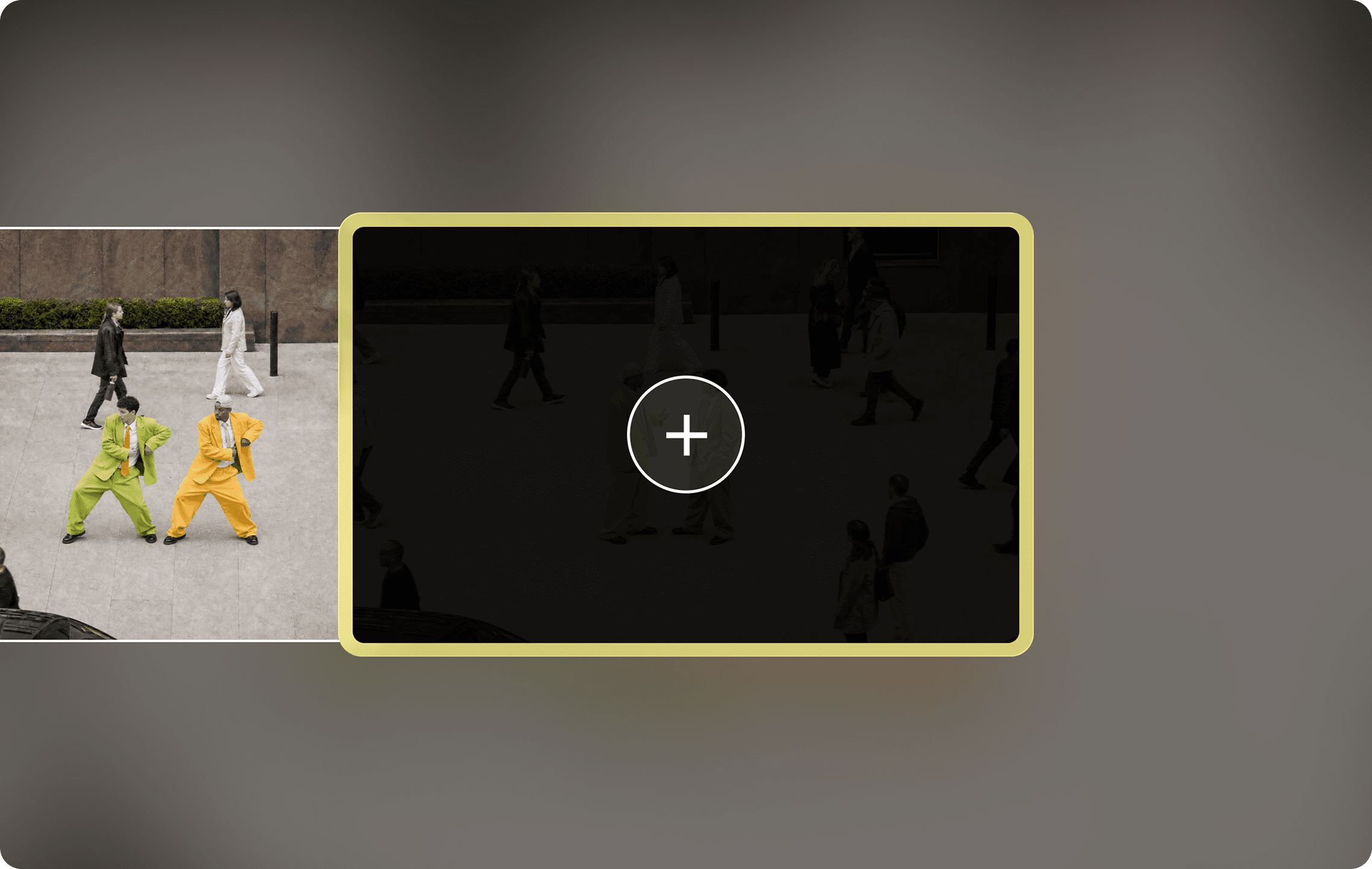 Try in ChatGPTExtend VideoMake any clip longer than its original by generating extra frames
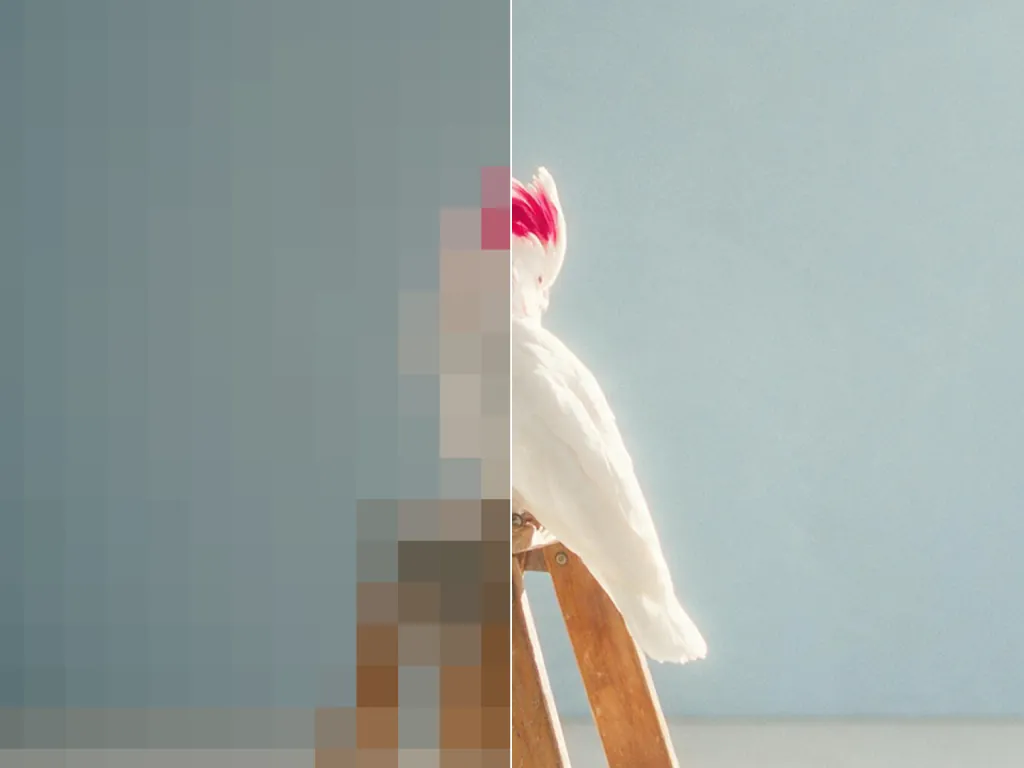 Try in ChatGPTUpscaleTake any image or clip to a higher resolution
 Try in ChatGPTSeedance 2.5Available in Video Studio.
 Try in ChatGPTSeedance 2.0Multi-shot video from text, image, and reference.
 Try in ChatGPTSeedance 2.0 MiniAvailable in Video Studio.
 Try in ChatGPTMiniMax H3Available in Video Studio.
 Try in ChatGPTWan 3.0Available in Video Studio.
- Try in ChatGPTGrok Imagine VideoAvailable in Video Studio.
 Try in ChatGPTGrok Imagine 1.5Available in Video Studio.
- Try in ChatGPTKling 3.0Available in Video Studio.
 Try in ChatGPTGoogle Omni FlashAvailable in Video Studio.
- Try in ChatGPTGoogle Veo 3.1 FastAvailable in Video Studio.
 Try in ChatGPTGoogle Veo 3.1Google's cinematic video model, with native audio.
- Try in ChatGPTFLUX 3Available in Video Studio.
 Try in ChatGPTPika 2.5Available in Video Studio.
 Try in ChatGPTGPT Image 2.5Available in Image Studio.
 Try in ChatGPTNano BananaGoogle's image model.
- Try in ChatGPTNano Banana EditAvailable in Image Studio.
- Try in ChatGPTNano Banana 2.1Available in Image Studio.
- Try in ChatGPTNano Banana 2 / ProAvailable in Image Studio.
 Try in ChatGPTGrok ImagineAvailable in Image Studio.
- Try in ChatGPTSeedream 5 LiteAvailable in Image Studio.
 Try in ChatGPTSeedream 5ByteDance's image model.
 Try in ChatGPTSeedream 4Available in Image Studio.
- Try in ChatGPTIdeogram 4Available in Image Studio.
 Try in ChatGPTIdeogram 4.5Available in Image Studio.
 Try in ChatGPTPika Audio — SFXAvailable in Music Studio.
 Try in ChatGPTPika Audio — MusicAvailable in Music Studio.
 Try in ChatGPTPika Audio — SoundtrackAvailable in Music Studio.
- Try in ChatGPTElevenLabs Sound EffectsAvailable in Music Studio.
 Try in ChatGPTMiniMax Music 3.0Available in Music Studio.
- Try in ChatGPTLyria 2Available in Music Studio.
- Try in ChatGPTLyria 3 ProAvailable in Music Studio.
- Try in ChatGPTSonilo SFXAvailable in Music Studio.
- Try in ChatGPTSonilo v1.1Available in Music Studio.
- Try in ChatGPTByteDance Seed-Audio 1.0Available in Music Studio.
 Try in ChatGPTPika Audio — SpeechAvailable in Speech Studio.
 Try in ChatGPTElevenLabs Multilingual v2Available in Speech Studio.
 Try in ChatGPTElevenLabs Turbo v2.5Available in Speech Studio.
- Try in ChatGPTMiniMax Speech 02 HDAvailable in Speech Studio.
- Try in ChatGPTMiniMax Speech 02 TurboAvailable in Speech Studio.



























FAQ
The official Pika plugin lets ChatGPT use Pika’s creation apps, with access to over 100 of the leading gen media models. Make and edit images, video, music, sound effects, and speech without leaving ChatGPT.
Select Install ChatGPT Plugin above, or simply ask ChatGPT to “Install the Pika plugin.” Then sign in to Pika and authorize the plugin to finish setup. Once it’s installed, ask ChatGPT to show you what you can create.
Start with an image, video, audio, or speech app, or use a guided app such as Product Ad or Headshot. Combine creation and editing apps to extend a clip, edit an image, add a soundtrack, or prepare an asset for a different format.
Browse the apps above, or choose Models to see the model choices supported by the creation tools. ChatGPT can help select the app, model, and inputs for your task.
No. Installing only authorizes ChatGPT to access Pika. By default, the plugin will show you the estimated cost before generating anything. Generation uses your Pika credits and is subject to your account’s permissions and any spending preferences you have set.
FAQ
The official Pika plugin lets ChatGPT use Pika’s creation apps, with access to over 100 of the leading gen media models. Make and edit images, video, music, sound effects, and speech without leaving ChatGPT.
Select Install ChatGPT Plugin above, or simply ask ChatGPT to “Install the Pika plugin.” Then sign in to Pika and authorize the plugin to finish setup. Once it’s installed, ask ChatGPT to show you what you can create.
Start with an image, video, audio, or speech app, or use a guided app such as Product Ad or Headshot. Combine creation and editing apps to extend a clip, edit an image, add a soundtrack, or prepare an asset for a different format.
Browse the apps above, or choose Models to see the model choices supported by the creation tools. ChatGPT can help select the app, model, and inputs for your task.
No. Installing only authorizes ChatGPT to access Pika. By default, the plugin will show you the estimated cost before generating anything. Generation uses your Pika credits and is subject to your account’s permissions and any spending preferences you have set.
*after your first plugin generation