Pika for Founders
Show what you are building with product visuals, launch videos, and ad concepts you can shape yourself.
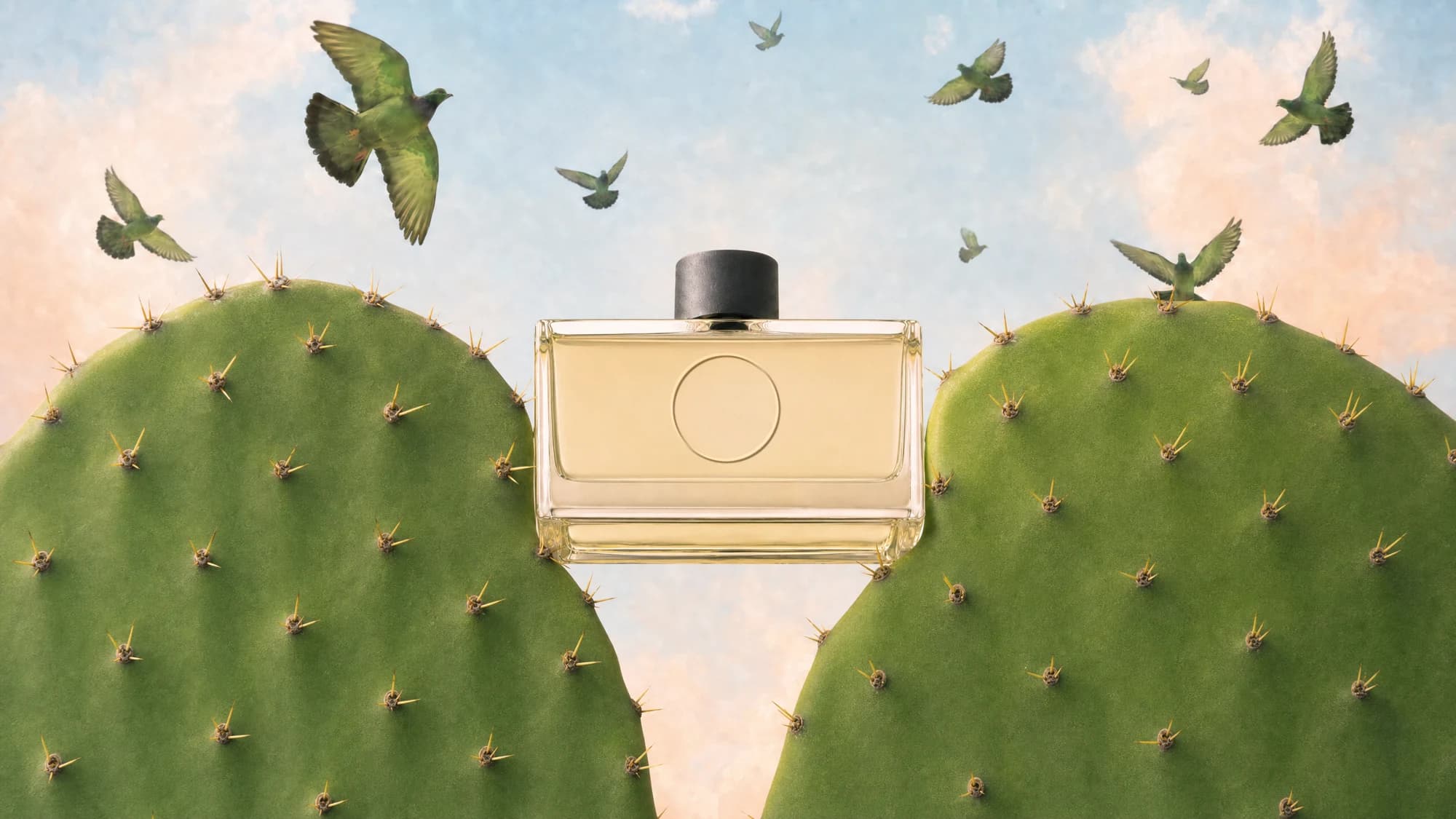
Your product has a story. Give people a way to see it.
A launch needs more than a working product. It needs a clear story, a memorable first impression, and content you can keep improving. Pika helps founders turn product references and a short brief into visuals they can use to explain, announce, and test an idea.
Make a first impression that fits your product
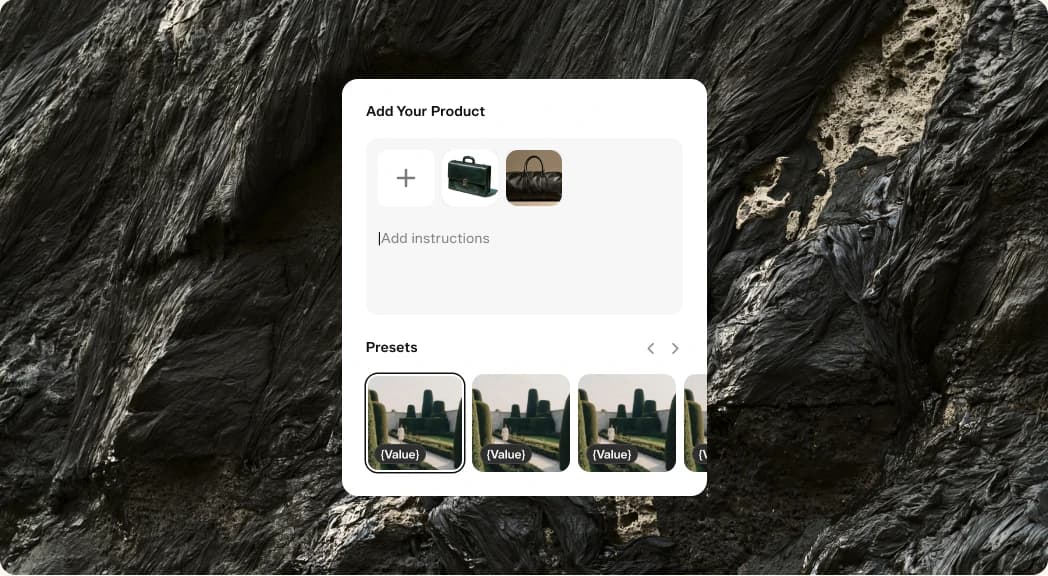
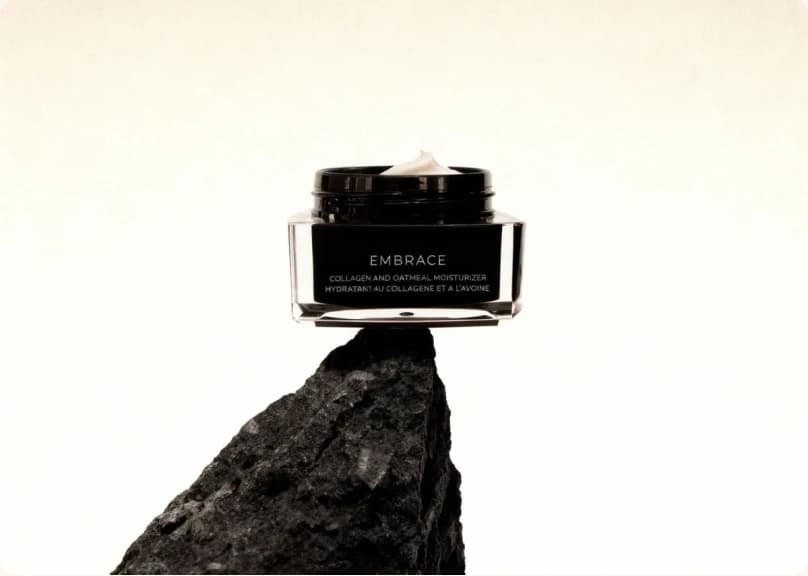
Build product imagery for a landing page, launch announcement, or pitch with the photos you already have.
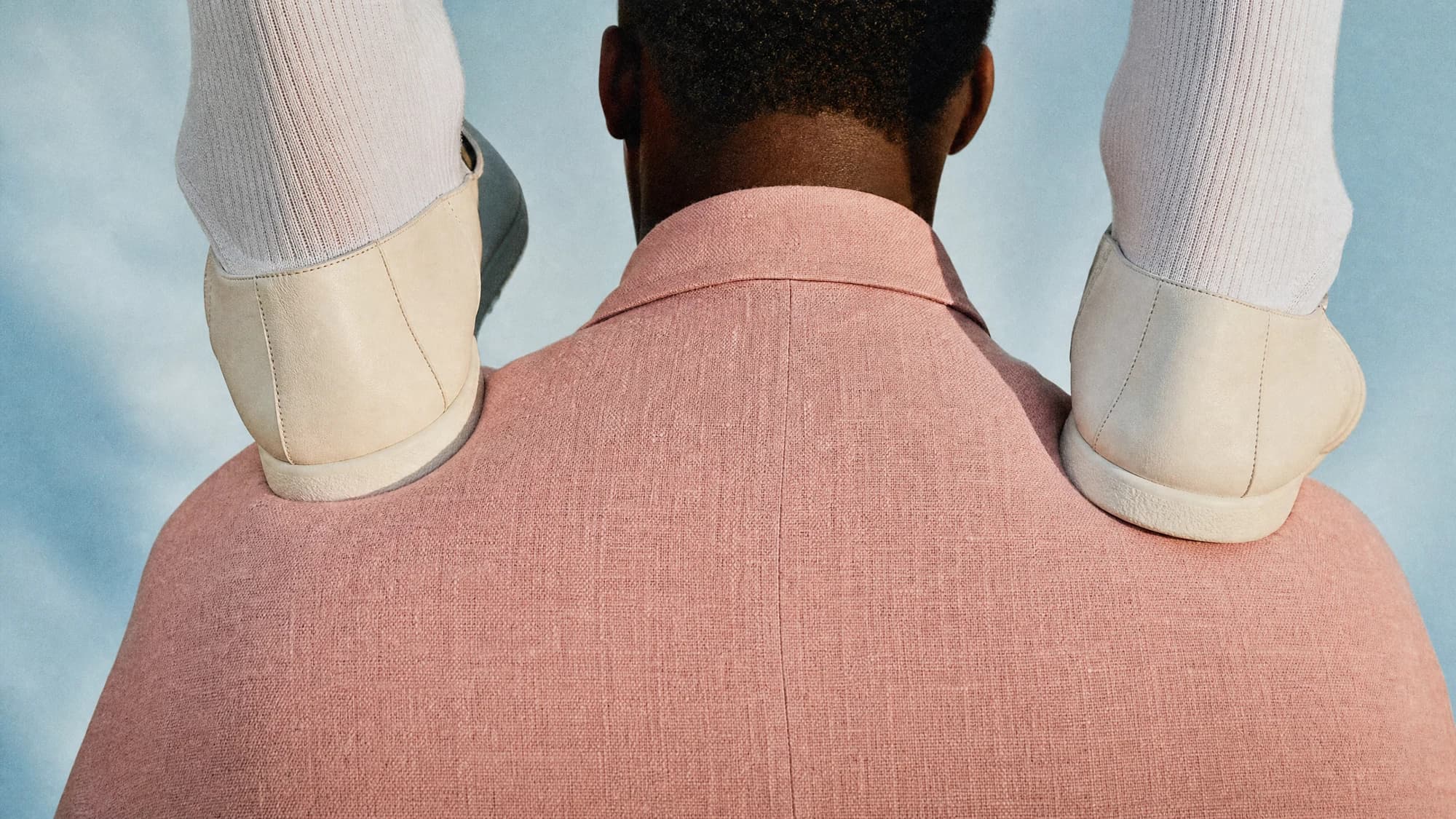
Before someone reads your roadmap, they see your product. Use Product Shot to explore how it looks in a clean studio, a lived-in setting, or a visual world that fits the company you are building.
Work from accurate reference photos and choose results that keep the important details intact. A consistent set can give your website, launch posts, and presentation a shared visual direction as the product evolves.
Explain the product. Make the launch matter.
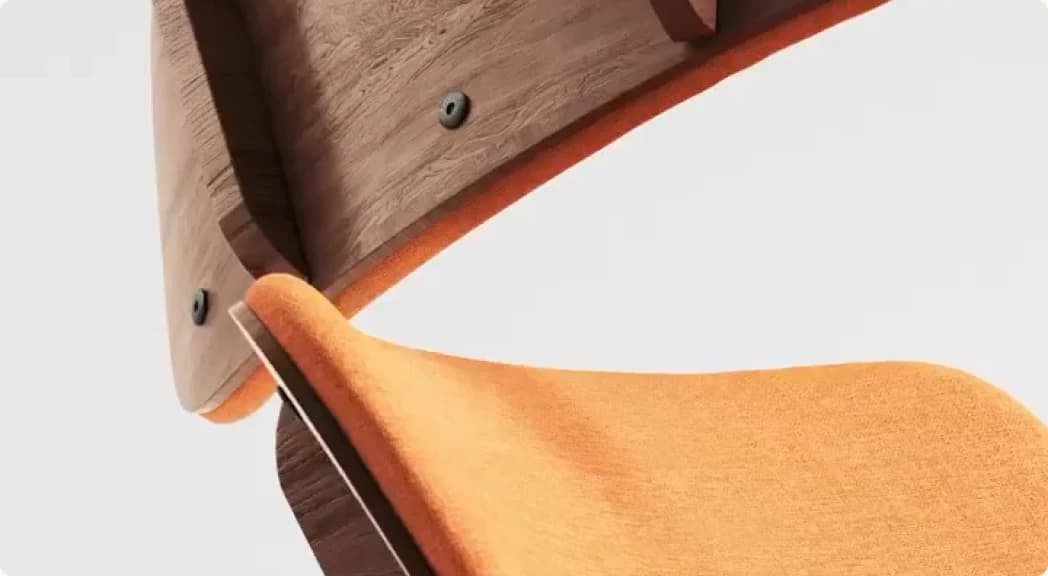
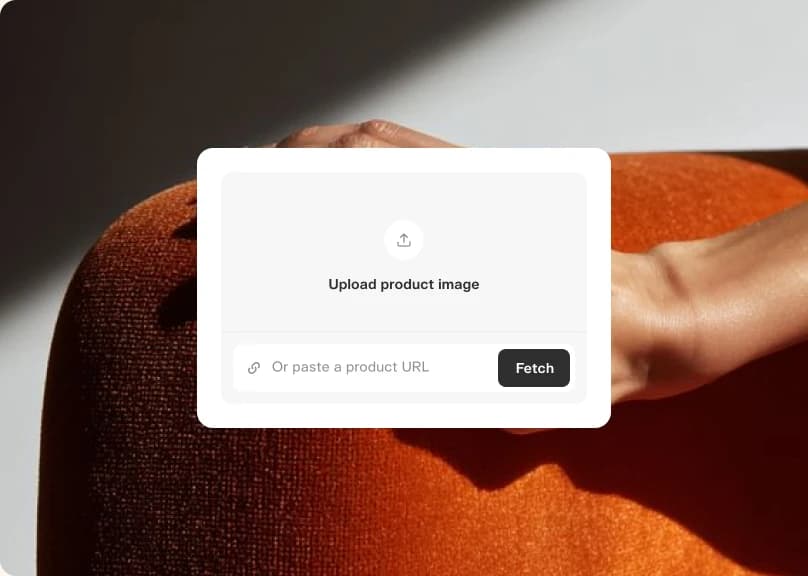
Turn the problem you solve and the value you offer into a focused product video.
Write the brief the way you would explain the product to a new customer: who it helps, what changes for them, and what they should remember. Product Ad gives you a way to explore that story in video.
Try a benefit-led version beside a product-led version. Review the results with your actual offering in mind, revise the details, and choose the cut that makes your message easiest to understand.
Test the message behind the product
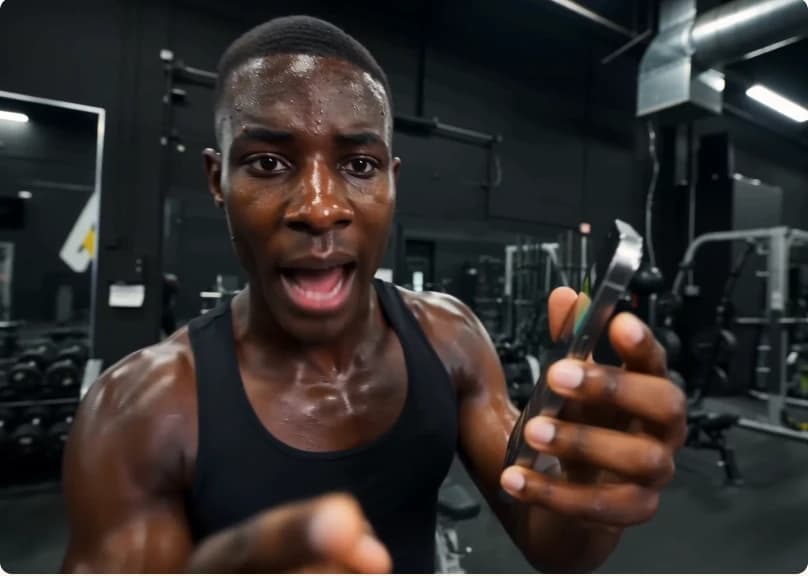
Explore different value propositions before committing your next campaign to a single creative direction.
Early messaging is a set of questions. Which problem matters most? Which benefit is easiest to understand? Create ad concepts around one question at a time so the differences are useful to compare.
Bring the strongest concepts into customer conversations or your usual campaign workflow. Use what you learn to write a sharper brief, then make the next version. Keep the claims grounded in what your product can do today.
Ready when you are
Start with the product you have. Build the launch story you want people to remember.
- Product ShotTurn reference photos into a polished product shot
- Product AdFour steps from a product photo to a finished ad
- Podcast VideoTurn a topic or script into a two-host video episode
- Character StudioDesign a consistent character — upload or generate, then pick style, angle, and expression. Always on a clean white background.
- Music StudioGenerate original music beds and instrumentals
- See AllExplore all apps



FAQ
Bring accurate product references and a short brief covering your audience, the problem you solve, and the main benefit. A clear starting point makes it easier to evaluate each version.
You can explore visual directions and draft launch concepts while you build. Keep concept imagery clearly distinguished from finished product behavior when you share it.
Product Shot uses the photos you provide as a starting point for new scenes. Check the generated images for details such as shape, materials, packaging, and labels.
Yes. Create a separate brief for each value proposition and compare the resulting concepts. Keep other parts of the brief consistent when you want to focus on one difference.
Download them for your website, presentations, or publishing tools. Your plan and the selected model determine the terms that apply to the assets you create.