Pika for Marketing
Generate on-brand ads, product shots, and explainer videos in minutes — not weeks.

The modern marketing org is being asked to do something genuinely new
Pika treats content creation like software: prompt, iterate, version, and ship. One brief generates multiple ads, adapting and learning your brand. This streamlines launches, delivering diverse, localized content quickly and efficiently.
Hero product imagery that converts
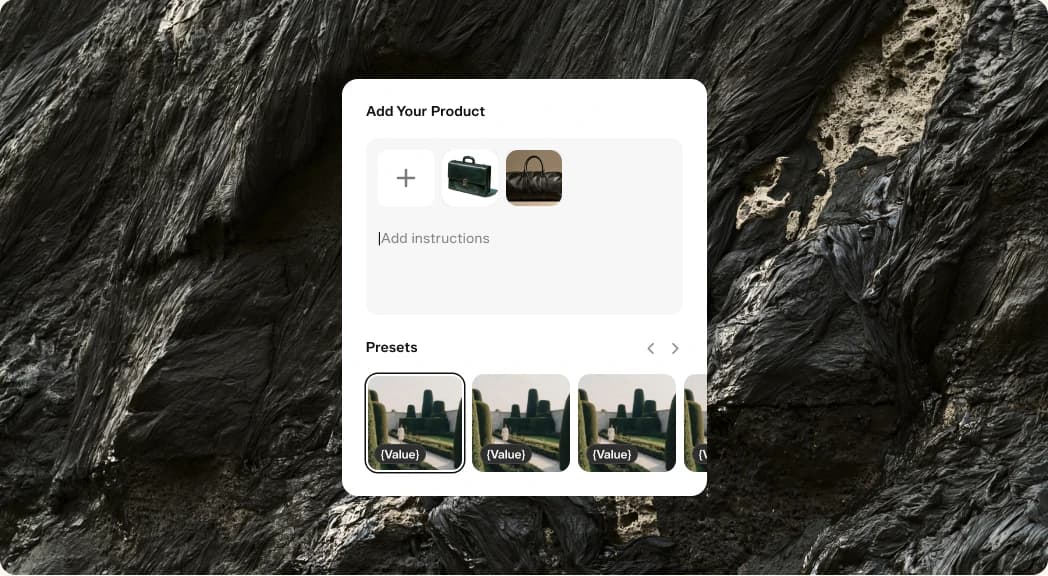
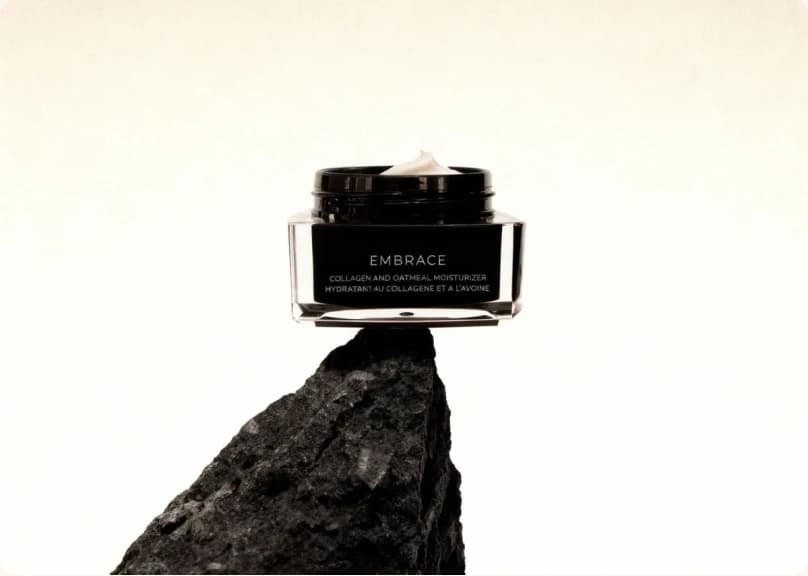
Drop in a product photo and generate clean studio shots, lifestyle scenes and seasonal variants. Perfect for PDPs, paid social, and email campaigns.
The hero product image is the top asset in your funnel, seen first on the PDP, social thumbnails, and press. Previously, this meant booking studios and crews for each campaign. Pika simplifies this: upload a clean photo, and the Product Shot app creates studio-lit hero images, lifestyle scenes, and seasonal variants matching your moodboard, preserving product details and allowing re-skinning without re-shooting.
Product-launch and Explainer Videos

Type your value prop, pick a model, and Pika storyboards a polished 15–30s launch clip — complete with on-brand music and voiceover.
Launch videos are the asset every marketer dreads and every CEO demands. They’re expensive to produce, slow to iterate on, and they tend to be obsolete the moment the product roadmap shifts. Most teams end up with a single 60-second hero cut that lives on the homepage for a quarter and quietly underperforms because no one had budget to make a second version.
The Product Marketing Video app is designed to break that pattern. You write a 3–4 sentence script, point it at your product, and Pika storyboards a launch-ready clip — voiceover, b-roll, music, captions, the whole package. The first generation usually lands at 70%; the next two or three regenerations get you to a cut you’d happily show your board. Total time, including review: under thirty minutes.
Endless ad creative for testing
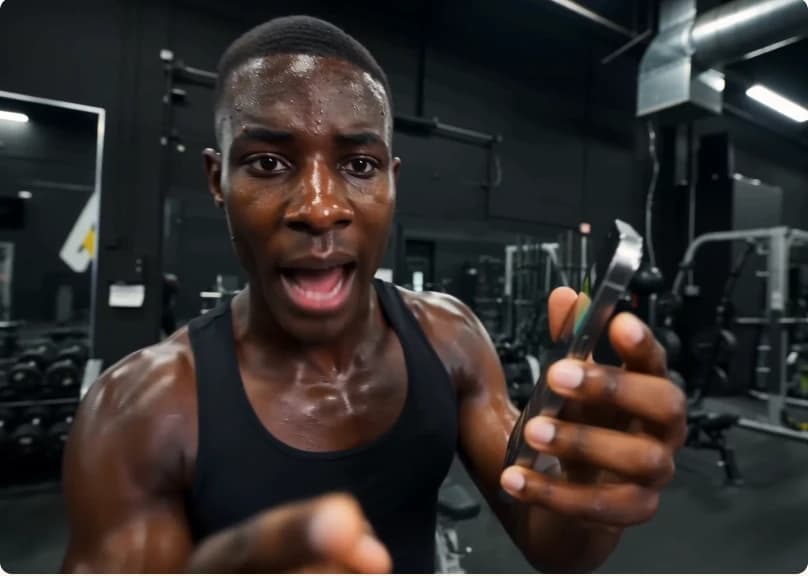
Generate dozens of UGC-style ads from a single hook. Iterate on framing, talent and copy in minutes so your media buyer always has fresh creative to test.
Ask any growth marketer what kills their ROAS and the honest answer is creative fatigue. The same ad that printed money in week one is hemorrhaging in week three, and the next batch is still stuck in production. The brands winning on Meta and TikTok right now aren’t winning because they have the single best ad — they’re winning because they’re shipping fifty variants a week and letting the algorithm pick.
Pika’s UGC Ads and Video Studio apps are built for that volume. Give the model a hook, a product and a vibe, and it’ll generate a dozen native-feeling clips — different talent, different framings, different opening lines — that you can route straight into your test budget. Your performance team gets to behave like a portfolio manager instead of a production manager, and your creative team gets to focus on the few hero concepts that actually deserve human attention.

Ready when you are
Start with Product Ad — or pick any app in this playbook and ship something today.
- Product ShotTurn reference photos into a polished product shot
- Product AdFour steps from a product photo to a finished ad
- Podcast VideoTurn a topic or script into a two-host video episode
- Character StudioDesign a consistent character — upload or generate, then pick style, angle, and expression. Always on a clean white background.
- Music StudioGenerate original music beds and instrumentals
- See AllExplore all apps




FAQ
Start with your product photos, brand references, and a consistent prompt. Product Shot and Character Studio help you carry the same visual direction across a campaign while you explore new settings and variations.
Commercial use depends on your plan and the model you use. Review your plan’s commercial-use terms and the applicable model terms before publishing your assets.
A 15–30s launch video usually takes under 5 minutes end-to-end inside Pika, including a couple of regenerations to dial in the hook.
You can organize your work into projects and keep generated assets in your library. For your team’s workspace and collaboration needs, get in touch with us to explore the right setup.
Download your generated images, video, and audio to use in your existing creative tools and publishing workflows. Developers can also explore the Pika API to build generation into their own products.