


Pin the exact spot
Click up to five points on a photo and say what each one becomes. Every other pixel stays put.

PIKA IMAGE STUDIO
Step 1
Describe it
Write the shot and attach up to 16 reference images — a product, a palette, a mood, a face. References switch the model to image-to-image automatically.
Click up to five points on a photo and say what each one becomes. Every other pixel stays put.
Attach up to 16 images per prompt with GPT Image 2 and Nano Banana — product, palette, pose, and place.
Generate up to 10 variations in one go, then keep the one that earns its place.
Export PNG, JPEG, or WebP — with transparent backgrounds on GPT Image 2 and up to 4K on Pro models.
Switch models without switching tools. Your prompt and references carry over.
Up to 16 references, transparent backgrounds, and batches of 10.

Google's Nano Banana, Lite to Pro — a quick sketch or a 4K render.
Text-to-image and editing, up to 14 references and 4K on Lite.
Images and video in one model, standard or HQ.
Turbo to Quality modes for crisp type and layouts.
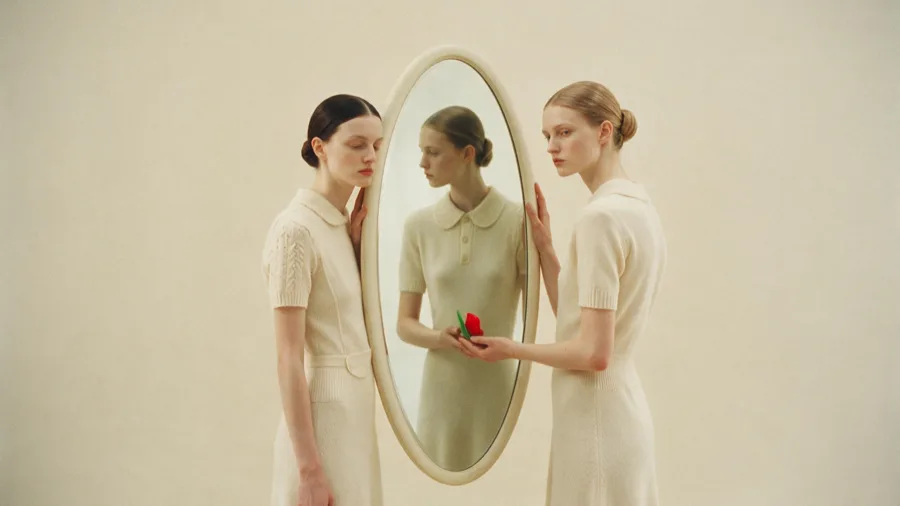
Drag the frame to a new shape and Image Studio paints in the empty space to match. Add a direction for what should appear there, or leave it to the model.
TRY EXPANDTopaz upscaling with an enhancer for every kind of source — from low-res phone shots to CGI and text-heavy layouts.
TRY UPSCALE
Yes — attach reference images for color, typography, and style to any prompt. The model uses them to match your brand direction across every generation.
Images you generate on a paid Pika plan are yours to use commercially. Check pika.art/terms-of-service for full details.
Most polished images can be created in minutes, with quick edits and refinements to get the look just right.
Teams on Pika can share projects and references. Start a generation, pass it to a colleague for refinements, and keep everything in one workspace.
Export as PNG, JPEG, or WebP at up to 4K. Transparent backgrounds are supported on GPT Image 2, so assets drop straight into your pipeline.


